EasyManua.ls Logo

CPS SCA36KTL-DO/US-480 - User Manual

CPS SCA36KTL-DO/US-480
156 pages
Print Icon
To Next Page IconTo Next Page
Loading...
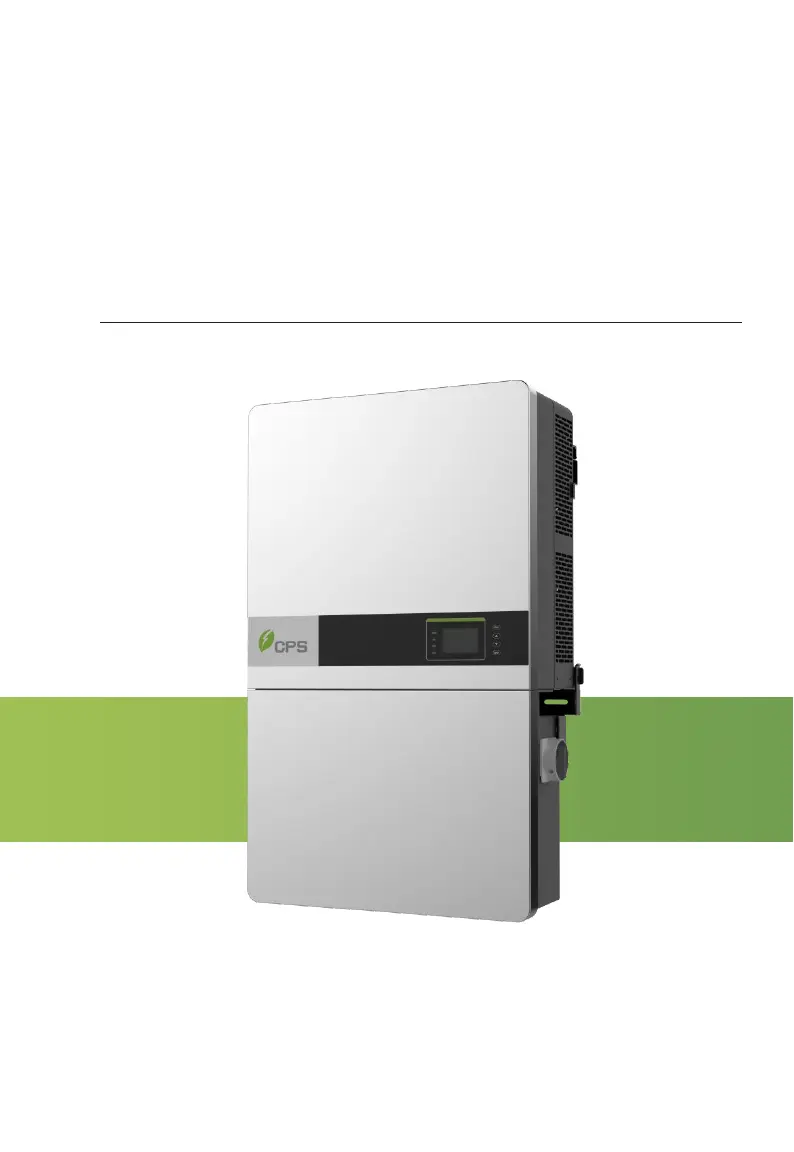
CPS SCA Series Grid-tied PV Inverter
CPS SCA36KTL-DO/US-480
CPS SCA50KTL-DO/US-480
CPS SCA60KTL-DO/US-480
Installation and Operation Manual - Rev 4.0
CHINT POWER SYSTEMS AMERICA CO.
Revision 4.0 June 2023

Table of Contents

Questions and Answers

  • M
    Mary DavisSep 23, 2025
    What to do if my CPS Inverter displays Protect0100 (The sensor fault of leakage current)?
    • C
      christopher08Sep 23, 2025
      To resolve a Protect0100 (The sensor fault of leakage current) error on your CPS Inverter: 1. Restart the inverter by turning both the AC and DC switches OFF. Wait for 1 minute to allow all energy to discharge, and then turn both switches ON. 2. If the inverter cannot clear the fault, further assistance may be needed to replace the Filt board or inverter.
  • J
    Jason NortonAug 23, 2025
    How to troubleshoot when the 'Power' LED and LCD screen don't light up on a CPS SCA36KTL-DO/US-480?
    • J
      Jeffrey BurchAug 25, 2025
      If neither the 'Power' LED nor the LCD screen on your CPS Inverter is lighting up, please do the following: 1. Turn off the external AC breaker. 2. Switch the DC switch to the 'OFF' position. 3. Check the PV input voltage and polarity.
  • A
    Adam MasonAug 25, 2025
    What to do if my CPS Inverter shows TempOver (Over-temperature protection) error?
    • D
      Daniel MckayAug 26, 2025
      To address the over-temperature protection issue (TempOver) on your CPS Inverter: 1. Make sure the surrounding temperature is within the inverter's operating range. 2. Check for any blockages at the air inlet. 3. Ensure the fan isn't obstructed. 4. Verify the installation location is suitable. 5. Wait for 30 minutes to see if the alarm clears. 6. If the issue persists, further assistance may be needed.
  • B
    Barbara WilsonAug 27, 2025
    What to do if my CPS Inverter displays Warn0040 (DC SPD) error?
    • S
      Steve WaltonAug 27, 2025
      To resolve a Warn0040 (DC SPD) error on your CPS Inverter: 1. Visually inspect the DC Surge Protection Device (SPD). 2. If the indicator is red, replace the SPD module. 3. If the indicator is green, remove and reinstall the SPD module in its socket. If the problem continues, further assistance may be needed.
  • D
    Dennis BrownAug 27, 2025
    What to do if my CPS Inverter displays GFCIErr (leakage current high)?
    • S
      Sarah FosterAug 27, 2025
      If your CPS Inverter displays a GFCIErr (leakage current high) message, check the PV and ground wires: 1. Turn OFF the AC switch to disconnect from the grid. 2. Open the fuse holders to isolate the PV strings and test them with a string test set. 3. Add one PV string at a time and start up the inverter to see if the alarm occurs. 4. If no alarm, turn OFF AC switches to disconnect from the grid and add the next string, then start the inverter again. 5. Continue until you identify the string that triggers the alarm, then trace back the faulted string to find any leakage to Earth Ground.
  • A
    Adam RothSep 17, 2025
    What does IntFanErr mean on my CPS Inverter?
    • D
      Daniel ChenSep 18, 2025
      If your CPS Inverter displays IntFanErr, it means the inverter needs to be replaced.
  • C
    cheryl23Sep 14, 2025
    What does EepromErr mean on my CPS Inverter?
    • A
      April JeffersonSep 14, 2025
      If your CPS Inverter displays EepromErr, it indicates that the internal memory has a problem. To address this: 1. Observe for 5 minutes to see if the alarm clears automatically. 2. If the issue persists, further assistance may be needed.
  • J
    Jessica MartinezSep 15, 2025
    What to do if my CPS Inverter displays Protect0180 (The sampling offset of DCI)?
    • L
      Lori MyersSep 16, 2025
      If your CPS Inverter displays a Protect0180 (The sampling offset of DCI) error: 1. If the inverter can start up, recalibrate it. 2. If the inverter consistently reports this alarm and cannot start up, it may need to be replaced.
  • K
    Kendra WebbSep 6, 2025
    What does ExtFanErr mean on my CPS Inverter and how to fix it?
    • N
      nperezSep 6, 2025
      If you see the ExtFanErr message on your CPS Inverter: If the fan is spinning: Replace the inverter, as the sensing circuit may be faulty. If the fan is not spinning: Remove the six bolts holding the two external fans in place. Open the white, snap-on wire connector. Measure the voltage between the pins connected to the RED and BLACK wires. If the voltage is below 6VDC, replace the inverter. If the voltage is higher than 6V, replace the fan.
  • S
    Sara JordanSep 3, 2025
    What to do if my CPS Inverter displays Protect0110 (BUS over voltage (firmware))?
    • A
      arodriguezSep 3, 2025
      To address a Protect0110 (BUS over voltage (firmware)) error on your CPS Inverter: 1. Restart the inverter by turning both the AC and DC switches OFF. Wait for 1 minute for all energy to discharge, then turn both switches ON. 2. If the inverter cannot clear the fault, it may require replacement.

CPS SCA36KTL-DO/US-480 Specifications

General IconGeneral
BrandCPS
ModelSCA36KTL-DO/US-480
CategoryInverter
LanguageEnglish

Related product manuals