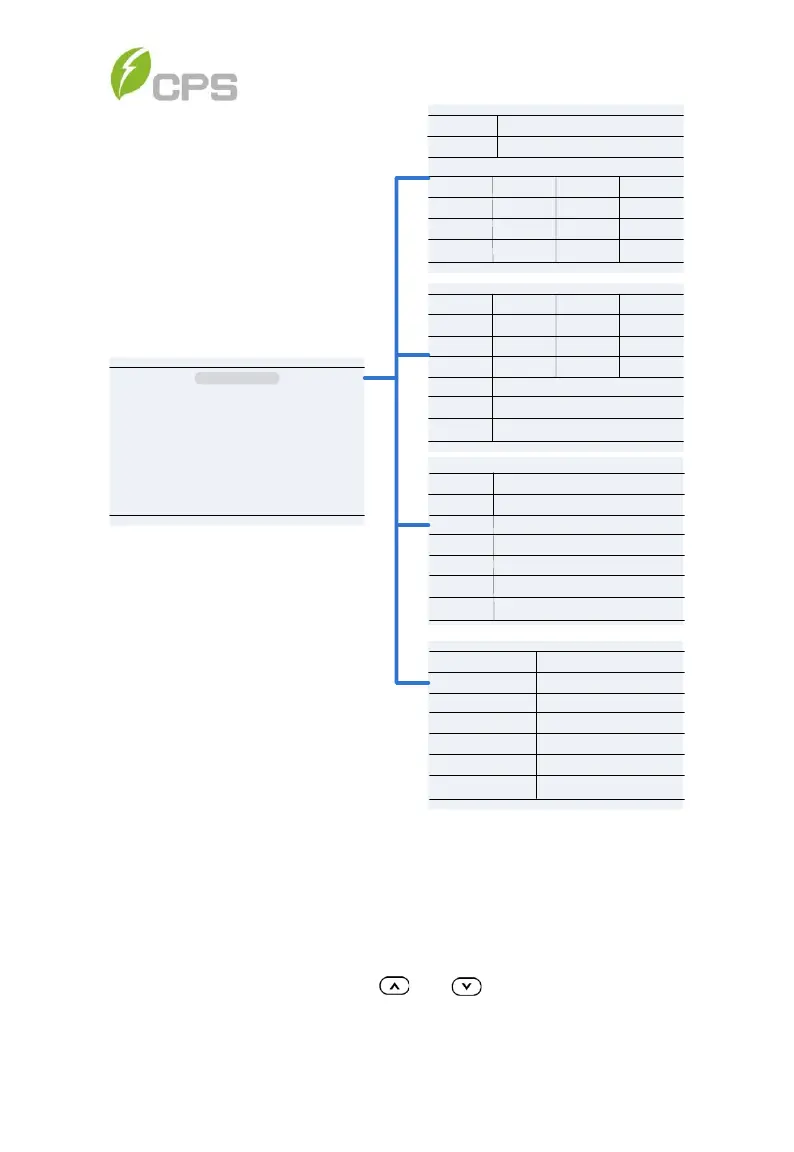
Figure 6-2 Operation Information
6.2 Setting
Move the cursor to Setting in the main interface. Press the ENT key to be
prompted for the password: “1111” as shown in Figure 6-3. Enter the
password number by pressing and , selecting the numeral, and
pressing the ENT key to input and proceed to the next digit of the password



 To Next Page