EasyManua.ls Logo

CPS SCA36KTL-DO/US-480 - Arc Parameters; Other Parameters

CPS SCA36KTL-DO/US-480
156 pages
Print Icon
To Next Page IconTo Next Page
To Previous Page IconTo Previous Page
Loading...
106
6.2.7 Arc Parameters
ARC Parameters is used to enable/disable the ARC function and set the
ARC parameters. These settings are only to be changed by CPS
personnel with approval from the AHJ.
LVRT/HVRT Setup
Setting
P1/2
System Parameters
Protection Parameters
Power Derating Setup
Reactive Power Derating Setup
ARC Parameters
Control Command
ARC Bandwith Setting
ARCEnable
P1/1
Enable
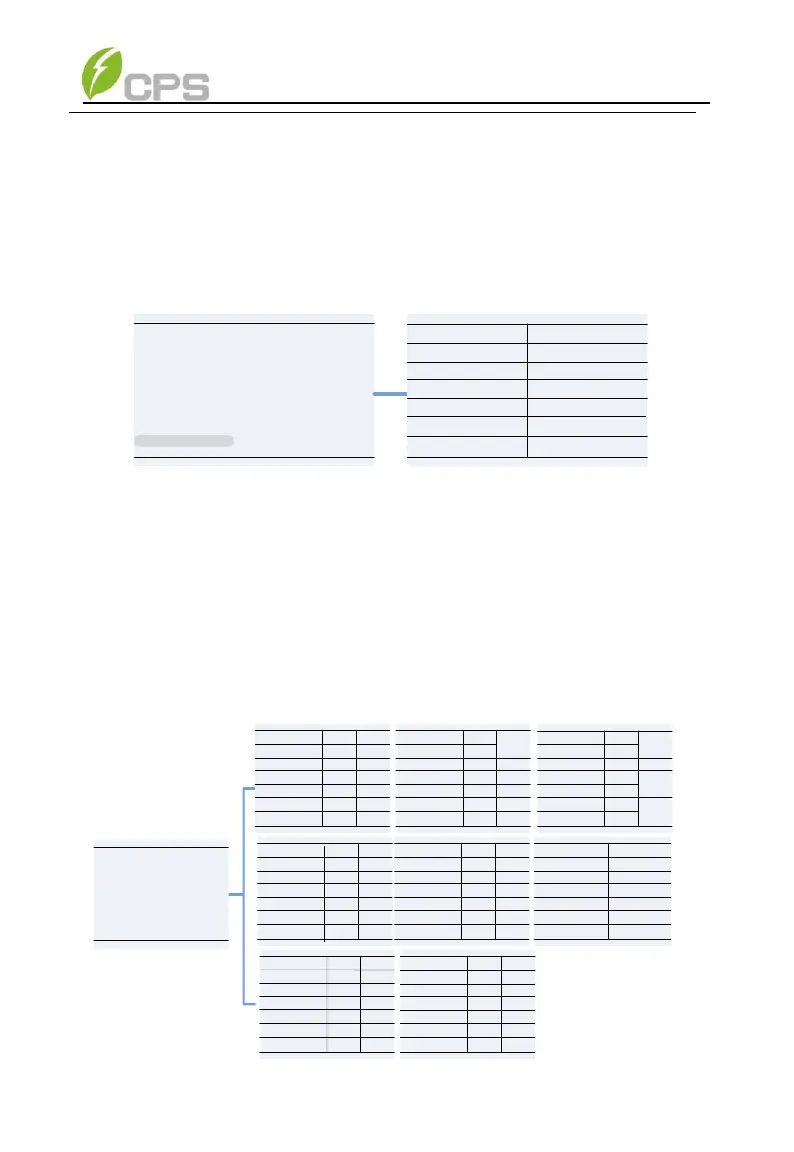
Figure 6-19 Arc Parameters Setting
6.2.8 Other Parameters
Other Parameters is used to set additional parameters including MPPT
scan period, nominal derating step and GFCI, DCI parameters. Press
ENT and use UP/DOWN keys to set parameters and enable/disable the
functions. Press ENT to confirm the setting. The parameters shown in
Figure 6-20 and Table 6-11.

P2/2
Others
ReactivePowerStep
PowerOnDelay(s)
P1/8
eErrSoftStarTms
eNormSoftStopTms
NormalDeratingStep
1
300
25.00%
300
1
100.00%
Enable
eNormSoftStartTms
Others
P2/8
83.0
95.0FaultPowerT(C)
FaultEnvT(C)
PVSlowStartStep
PVSlowStartPwDelta
10.00%
5.00%
Disable
Others
P4/8
100K
3600
330
PVStartupVolt(V)
MPPTScanPeriod(s)
ISOProtection(ohm)
Disable
Enable
4
0%
-30.0
StartUPMinTemp(C)
DuplicationControl
CtrParaGroup
PID Check Settings 0
Others
P5/8
Enable
Enable
Island Protect
FAN Detect
Reserve
OperationOverVol 120.00%
Disable
VirtualDamping 0.000
Reserve
Others
GFCIStaticValue(mA)
P3/8
0.50%
100.0%
0.2
540
GFCIStaticT(s)
60.00
950
1.00
GFCIDynProFactor
DCIProtectionT1(s)
DCIProtection2(mA)
Enable
Disable
DCIProtectionT2(s)
Enable
Enable
DCIProtection1
Others
P6/8
1000.0
Mppt1_OptVolLowLim
Mppt1_OptVolUpLim
200.0
Mppt2_OptVolLowLim
Mppt2_OptVolUpLim
Mppt3_OptVolLowLim
Mppt3_OptVolUpLim
1000.0
1000.0
200.0
200.0
Others
P7/8
Anti reflux(DSP)
Anti reflux(LCD)
0.00
0
Disable
Others
P8/8
RepidShutdownEn Enable
Setting
Others Parameters
Figure 6-20 Other Parameters Setting

Table of Contents

Related product manuals