51
The main operation interface of LCD screen has 5 menus, i.e. “1 OP. Info”,
“2 Alarm”, “3 History”, “4 Setting” and ”5 Dispatch”. The users may select
options with PAGEUP and PAGEDOWN, and then press ENTER to confirm
selection. Return to the previous menu by pressing ESC.
5.3.3 Operation information
When the cursor moves to “1 OP. Info” in the main interface, you should
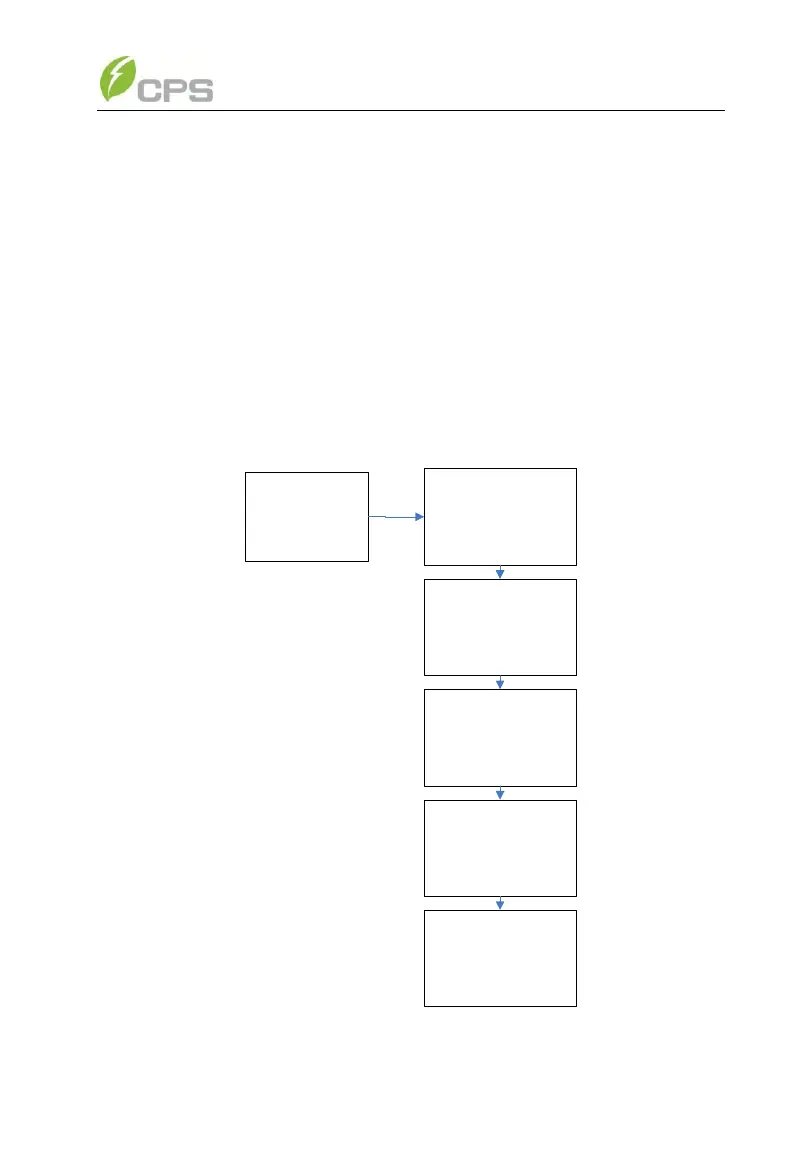
press ENTER to select the operation information as shown in Figure 5-8.
Check the information by pressing PAGEUP and PAGEDOWN. Return to the
previous menu and enter the main operation interface by pressing ESC.
1 OP.Info
Yield 23.5kWh
MPac 20.0kW
Pac 19.8kW
RunT 12 .1 h
Uab 480.0V
Ubc 480.9V
Uca 480.5V
Freq 60.0Hz
Ia 24.1A
Ib 24.0A
Ic 24.0A
T mod 78.2C
T amb 50 C
Upv1 540.0V
Ipv1 18.5A
Upv2 500.0V
Ipv2 20.2A
Figure 5-8 Operation information indication



 To Next Page