65
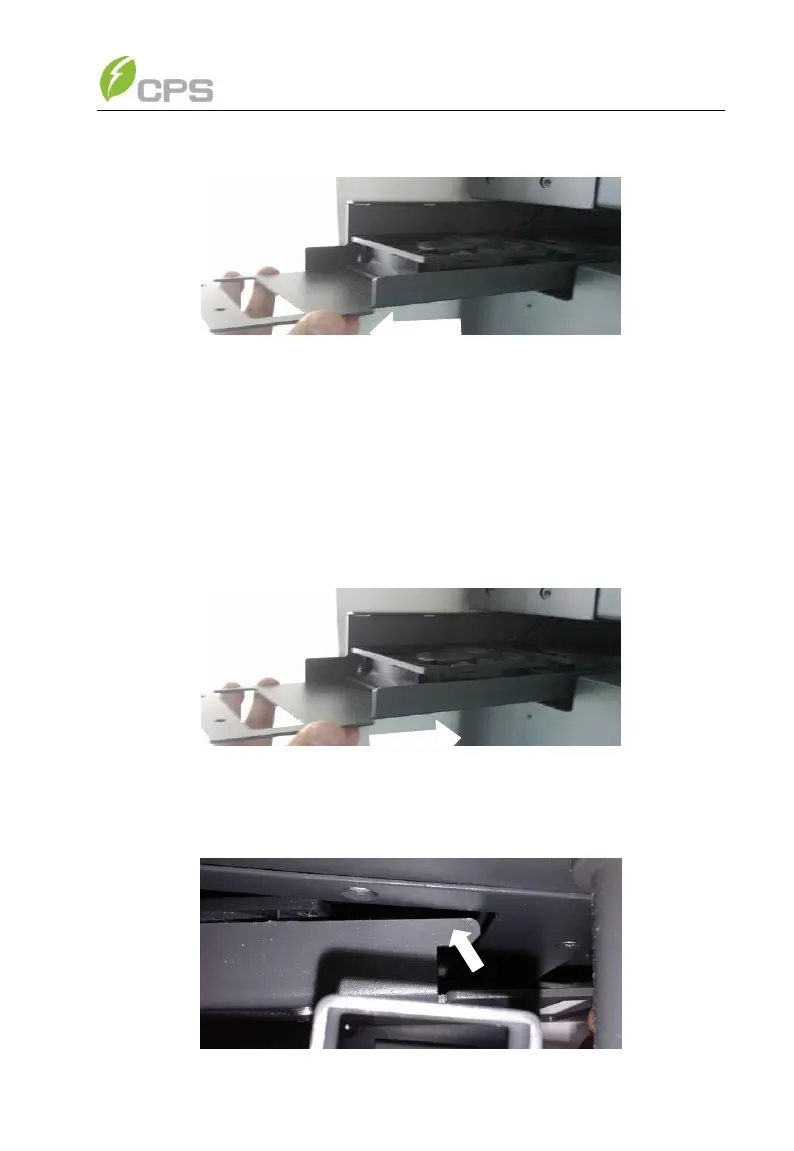
in Figure 6-5;
Figure 6-5 Pulling out the fan tray assembly
(5) Use a dry cloth to clean the fan tray assembly to prevent dirt
accumulating on it. Do not use abrasive cleaning agents to avoid
the damage of fans.
6.2 Restoring of fan tray assembly
(1) Insert the fan tray assembly from the left side of the inverter as
shown in Figure 6-6;
Figure 6-6 Inserting the fan tray assembly
(2) Hook the fan tray assembly inside the Main housing at the right end
as shown in Figure 6-7;



 To Next Page