66
Figure 6-7 Hooking the fan tray assembly
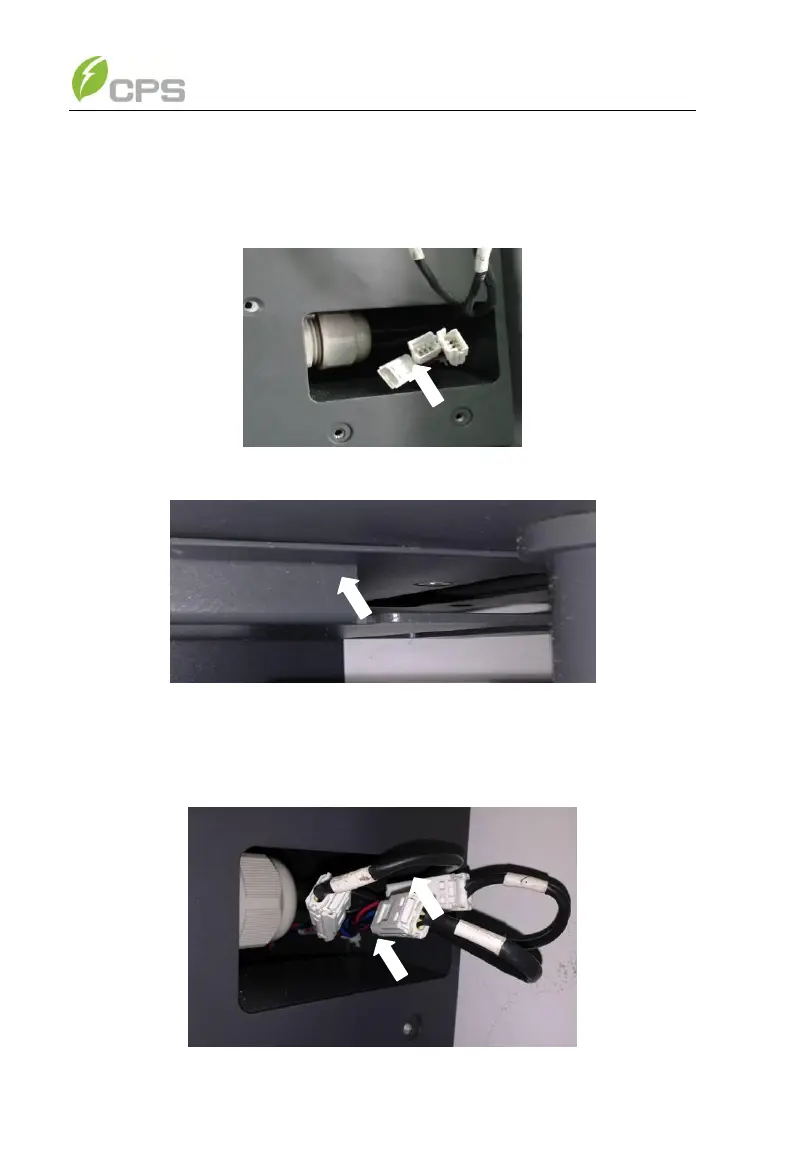
(3) Make sure the wire connectors reveal from the right hole and the
bracket is well connected, as shown in Figure 6-8 and 6-9;
Figure 6-8 Revealing the wire connectors
Figure 6-9 Fan tray assembly well connected
(4) Connect the fan tray assembly with the inverter by plugging the wire
connectors as shown in Figure 6-10;



 To Next Page