67
Figure 6-10 Plugging the wire connectors
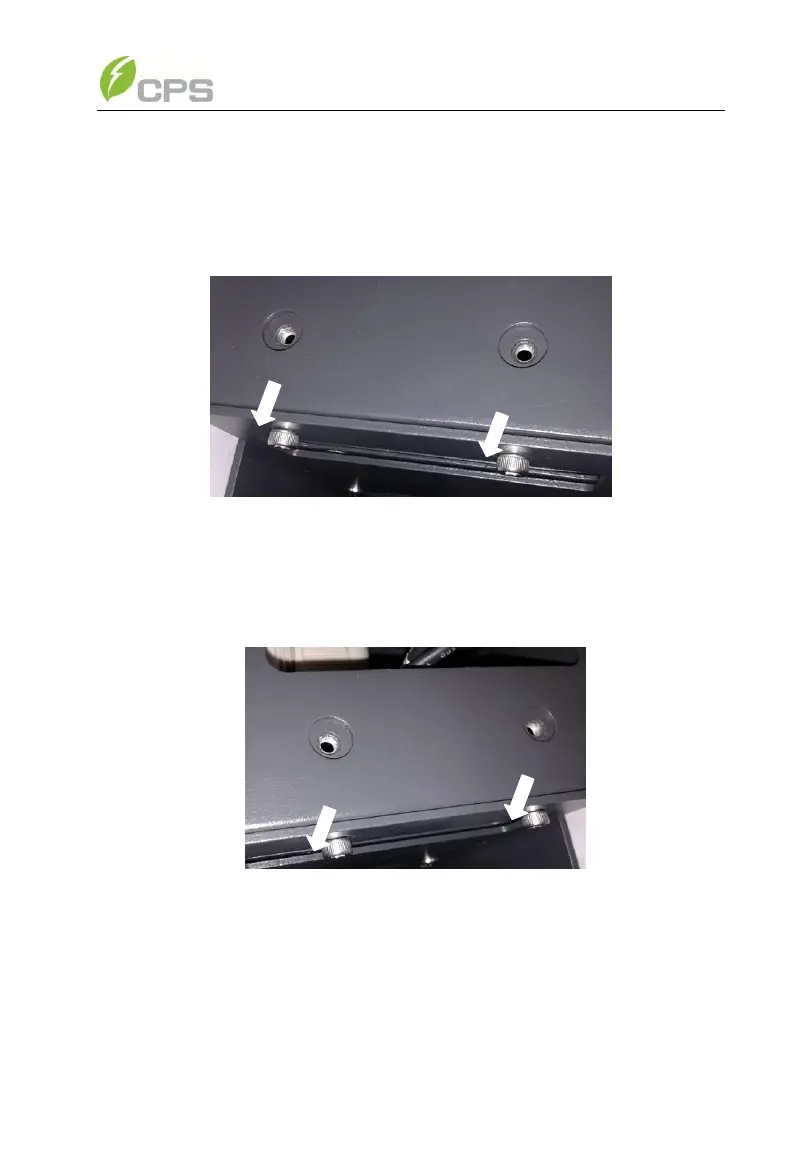
(5) Fix the left side of fan bracket on the Main housing with 2PCS screws
as shown in Figure 6-11; (Tool: 0.12 inch Hexagon socket screw
key)
Figure 6-11 Fixing the fan bracket on the left side
(6) Fix the right side of fan bracket on the Main housing with 2PCS
screws as shown in Figure 6-12; (Tool: 0.12 inch Hexagon socket
screw key)
Figure 6-12 Fixing the fan bracket on the right side
(7) Put the two removed panels back and secure the M4 screws on both
sides with a torque value of 1.76N-M (15.6Lb-In.), as shown in
Figure 6-13. (Tool: PH2 cross screwdriver)



 To Next Page