53
are listed in “3 Version” menu.
(4) Cumulative generated power since the first day the inverter began
working is available to be found in “4 TotalTag” menu.
3 History
1 ErrRecd
2 OP.Recd
3 Version
→4 TotalTag
No Alarm
1.St2010.12.15 20:50
SPICommErr
2.Ed2010.12.15 20:59
IntProtectI
…
If not existed
If existed
Pls Input Date
←2→ ß—12/15
RunT 7.0 h
Mpac 20.0KW
Yield 123.5KWh
Mach Ver
1.00
Serial No.
10141106001
T-Yield (KWh)
152123.5
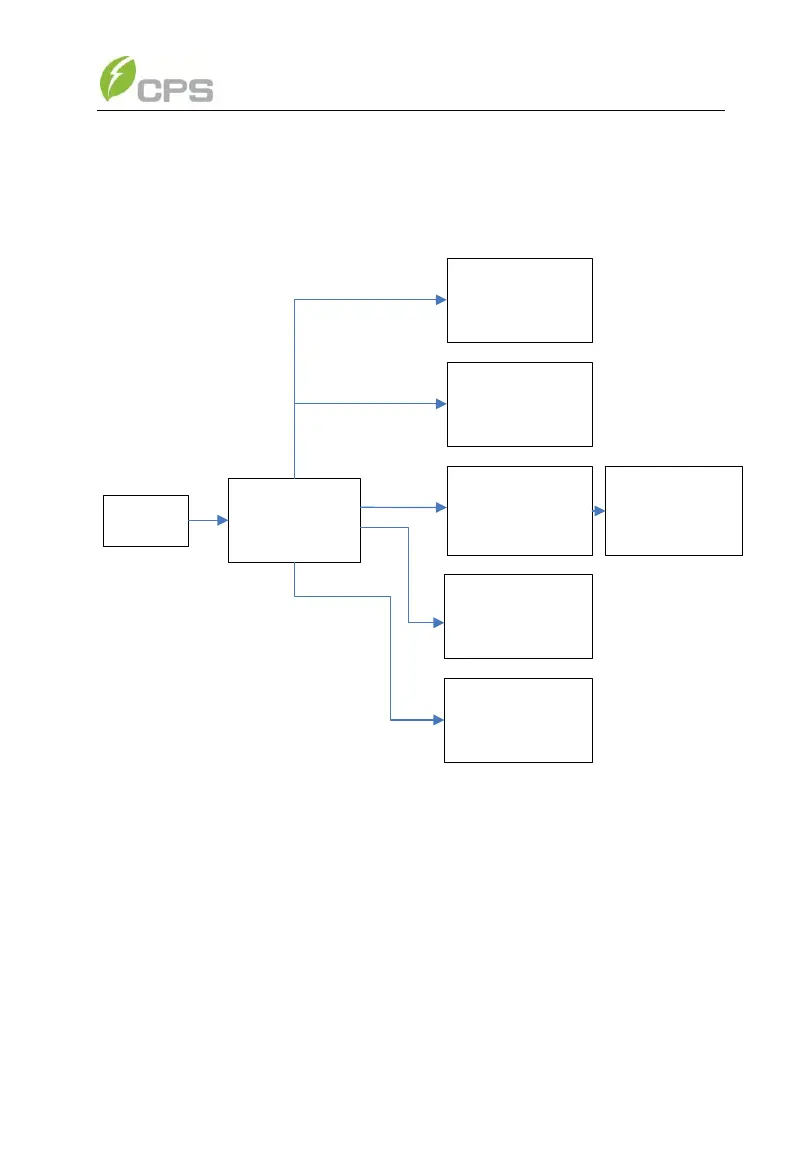
Figure 5-10 History menu and submenu
5.3.6 System setup
Move the cursor to “4 Setting” in the main interface. Press ENTER and go
to the password input area, enter password
“↑”“→”“↓”“←”,
go to the current
system parameters, as shown in Figure 5-11. There are 6 submenus in “4
Setting” : “1 Power ON/OFF”, “2 Language”, “3 Sounds”, “4 SysTime” , “5
Commun.” and ”6 ARC Setup” .
(1) The inverter can be started and shut down with “1 ON/OFF” menu.



 To Next Page