55
1. “ ARC Option ” is used to control the ON/OFF of the ARC function.
“Enable” means to turn on this function while “Disable” means to turn it off by
pressing “←”and“→”to select. Press ENTER to confirm.
2. “ARC Clear” is used to clear the ARC fault protection. When the “ARC
Protect” occurs, the system cannot clear the fault automatically. Users can go
to the menu, move the cursor to the “ARC Clear”, and press ENTER to clear
the “ARC protect”.
Note: The warning “Arc board Err” cannot be cleared by “ClearErr”. If the
“Arc board Err” occurs, the fault system will continuously detect the status of
Arc board and won’t clear the fault until the Arc board works normally.
4 Setting
1 Power ON/OFF
2 Language
3 Sounds
→4 SysTime
5 Commun
6 Arc Setup
↓
2009 / 12 / 15
21 :14
→ ON
OFF
ON
→ 1 中文
2 English
KeyBeep
Enabled
AlarmBeep
→ Disabled
→ Address 2
BaudRate 1
1 9600 2 19200
ARC Operation
→ Enable
ARC Clear
CleraErr
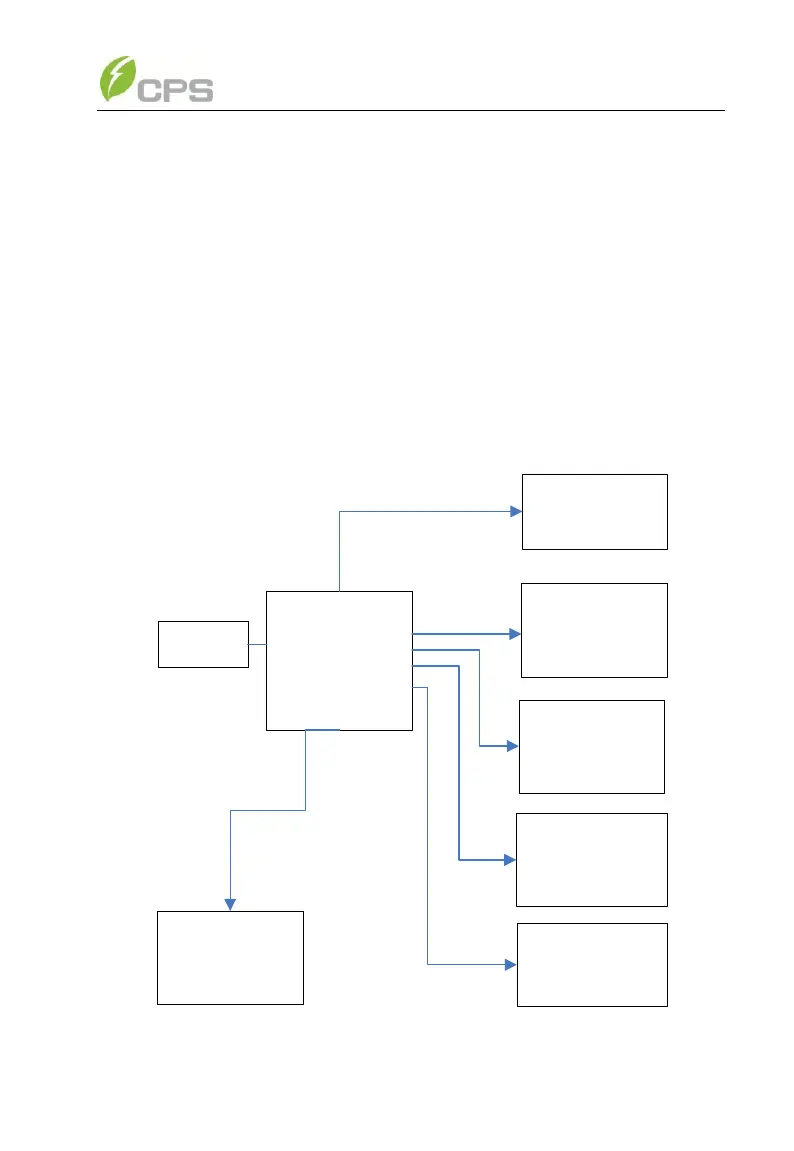
Figure 5-11 System setup menu and submenu



 To Next Page