52
Chapter 4 Commissioning (Via Wireless)
4.1 APP Download
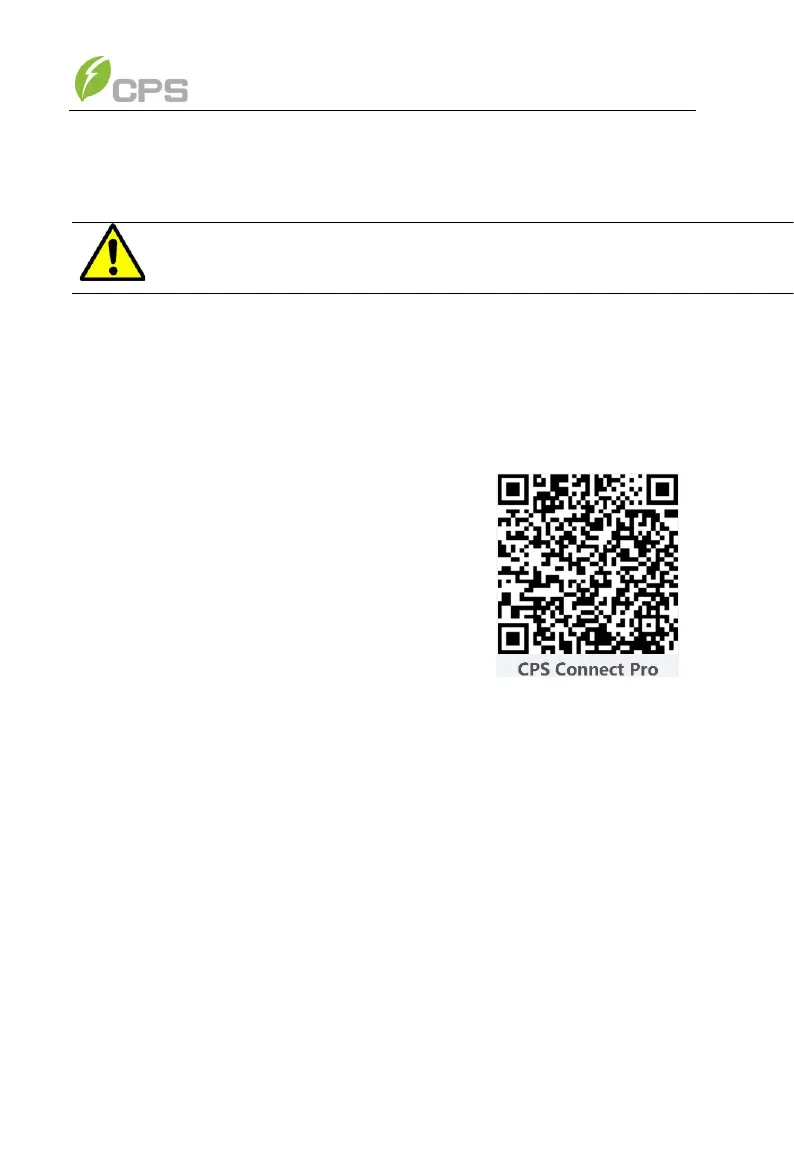
⚫ The inverter settings are accessed through the CPS Connect Pro
application and users can download iOS version at Apple store or Android
version in Google store named “CPS Connect Pro”
(Supports Android 4.1 and IOS 9.0 or later).
4.2 Commissioning Checklist
4.2.1 Mechanical Installation
Make sure that the mounting bracket is secure and all the screws have been
tightened to the specified torque values in the Torque Table above.
4.2.2 Cable Connections
➢ Make sure that all cables are connected to the right terminals and torqued
to the values specified above.
➢ The appropriate cable management is important to avoid physical damage.
➢ The polarity of DC input cables must be correct and the DC Switch should
be in the “OFF” position.
(Please refer to 3.3 Electrical installation)
4.2.3 Electrical Check
➢ Make sure that the AC circuit breaker is appropriately sized.
➢ Test whether the AC voltage is within the normal operating range.
➢ Make sure the DC open circuit voltage of input strings is less than 1500V.



 To Next Page