83
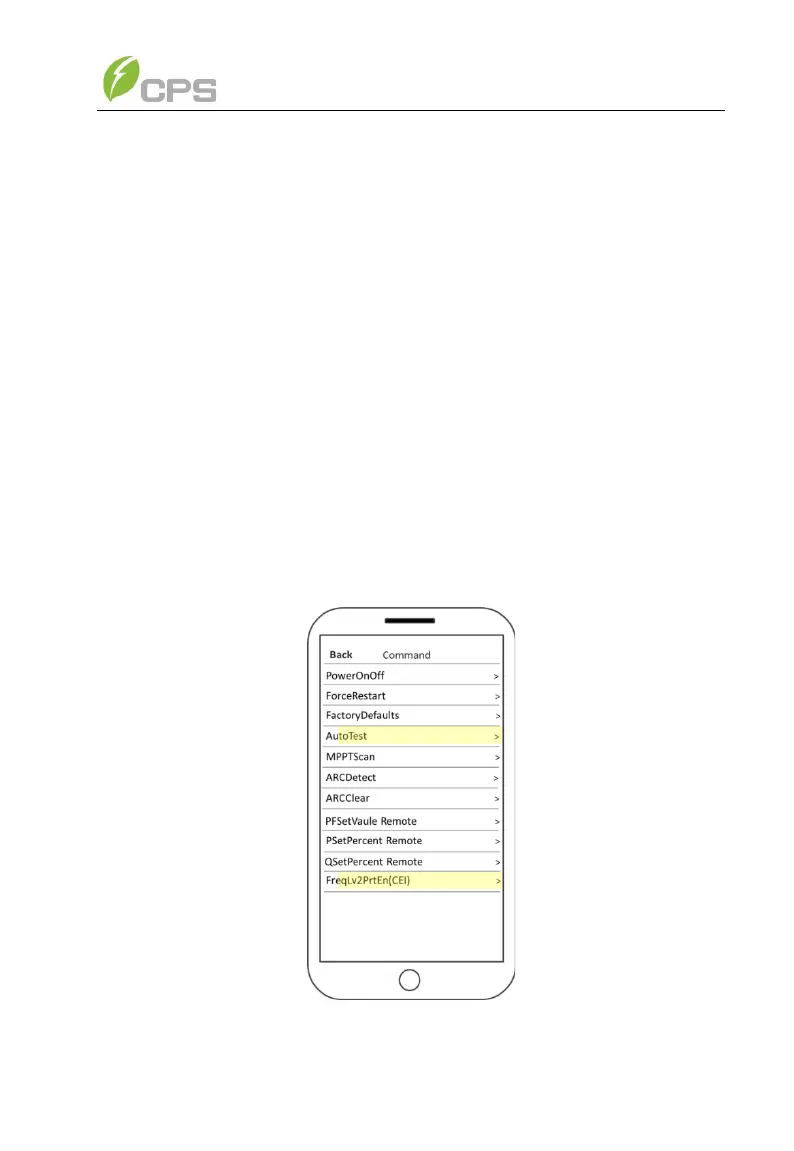
“MPPTScan” menu: “MPPTScan” is used to execute the MPPT scanning
manually. The device screen will skip to normal operation interface if the MPPT
scanning succeeds, or remain on the MPPTScan menu interface if the
scanning fails.
The MPPT scan function is used for multi-MPP tracking, and is useful if
the PV panels are partly shadowed or installed with different angles. The factory
default setting of MPPT scan is Enabled, yet can also be set to Disabled. When
the MPPT scan function is enabled, the scan period is 60 minutes. The inverter
will scan the maximum power point in the MPPT range, according to the
following conditions:
The total input power is lower than 90% of the active power.
Once this MPPT scan function is activated on the device, it will search the
maximum power point at a voltage step of 5V in the MPPT range for full load,
and retrieve the maximum power point.
“AutoTest”:
Only for Italian Grid Standard
“CEI”:
Only for Italian Grid Standard



 To Next Page