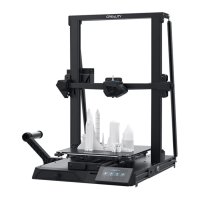
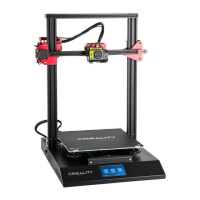
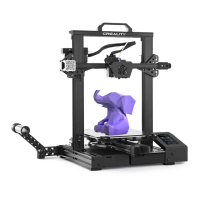
Moving X Y Z axis by your hands
Close and cooldown the Nozzle
Moving X Y Z axis or Extruder by given value
Heat the nozzle and the bed or change fan
speed by given value
Select the printing model
Init. SD-Card/Change SD-
Card
Download or update the memory card information
Change Printing Speed by given value
Change the temperature by given value
Change the temperature by given value
Change Fan Speed by given value
Change filament flow by given value
Push: OK/Enter Sub Menu
Turn: Change Option/Value
Set Temperature of the Nozzle
Current Temperature of the Nozzle
Set Temperature of the Hot Bed
Current Temperature of the Hot Bed
Part Cooling Fan Speed
Current Location of the Nozzle
Print Time
Print Progress
Prompt Message


 To Next Page
 Loading...