EasyManua.ls Logo

Creality CR-10 - Printer Assembly Steps; Rack and Spool Holder Mounting; Decorative Trim Installation

Creality CR-10
94 pages
Print Icon
To Next Page IconTo Next Page
To Previous Page IconTo Previous Page
Loading...
9
Install the Rack
Install decoration strip
Install decoration belt into the
notch, starting from one end.
Cut off the excess material
with the diagonal pliers.
Attach the Decorative Trim to all
parts needing to be decorated.
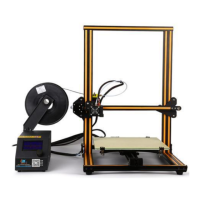
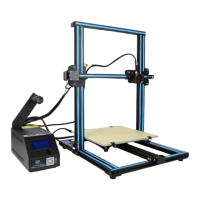
*The decoration Strip is available in various colours. The pictures above are for
reference only. *CR- 10mini without Decoration Strip.
Y Stepper and Limit Switch
Extruder (E) Stepper
X Stepper and Limit Switch
Z Stepper and Limit Switch
Attach the Bracket with
two thumb screws
Attach Spool Holder
with included Nuts
Finished

Other manuals for Creality CR-10

Related product manuals