2-4 Modem Installation
To connect the telephone line to your Modem Blaster:
1. Locate the most convenient telephone wall outlet.
2. If a phone is already connected to it, unplug the telephone cable
from the wall outlet.
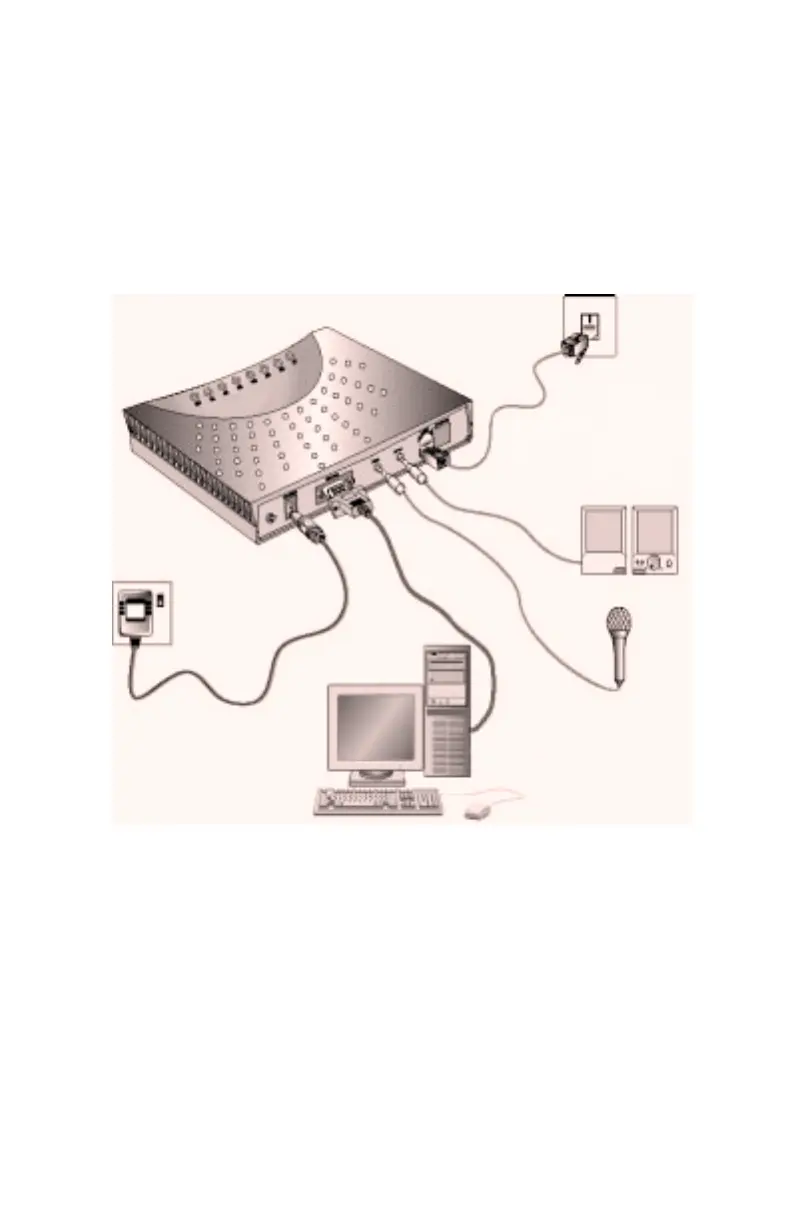
3. Follow Figure 2-3 to connect your Modem Blaster to the
telephone line and other devices.
Figure 2-3: Connecting your Modem Blaster
SPK jack
to speaker
MIC jack
to microphone
LINE jack
to outlet
RS232 jack
to your system serial port
POWER jack
to electrical outlet
from
from
from
from
from













 To Next Page