2-22 Modem Installation
Testing the Installation in Windows 95/98
After you have set up your Modem Blaster, run the following test to
ensure that your modem has been installed properly.
To test your modem installation:
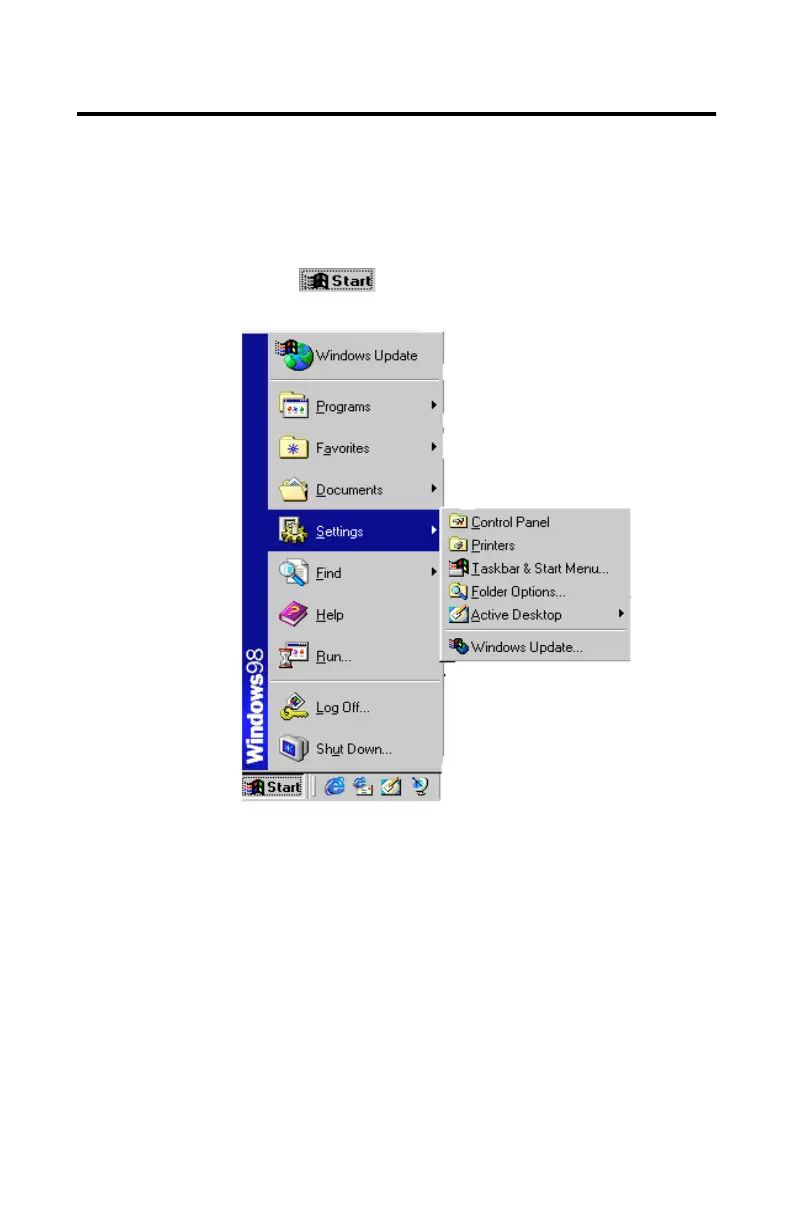
1. Click the button on the taskbar.
The Start menu similar to
Figure 2-31
appears.
Figure 2-31: Windows Start menu













 To Next Page