2-26 Modem Installation
Uninstalling Modem Blaster in Windows
95/98/NT
This chapter provides instructions to uninstall Modem Blaster in
Windows 95/98 and NT4.0.
To uninstall your Modem Blaster:
1. Click the button on the taskbar.
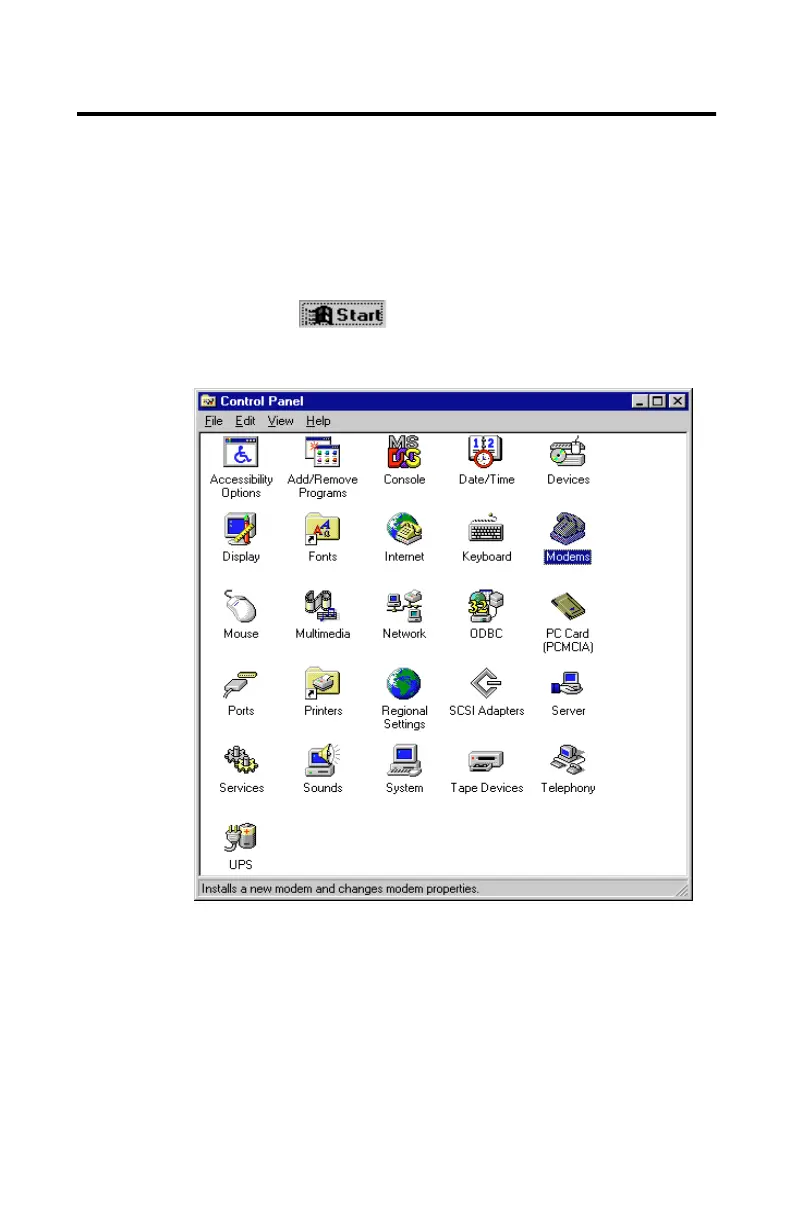
2. Select Settings, then Control Panel.
The
Control Panel
window similar to
Figure 2-36
appears.
Figure 2-36: Windows Control Panel













 To Next Page