Modem Installation 2-27
3. Double-click the Modems icon.
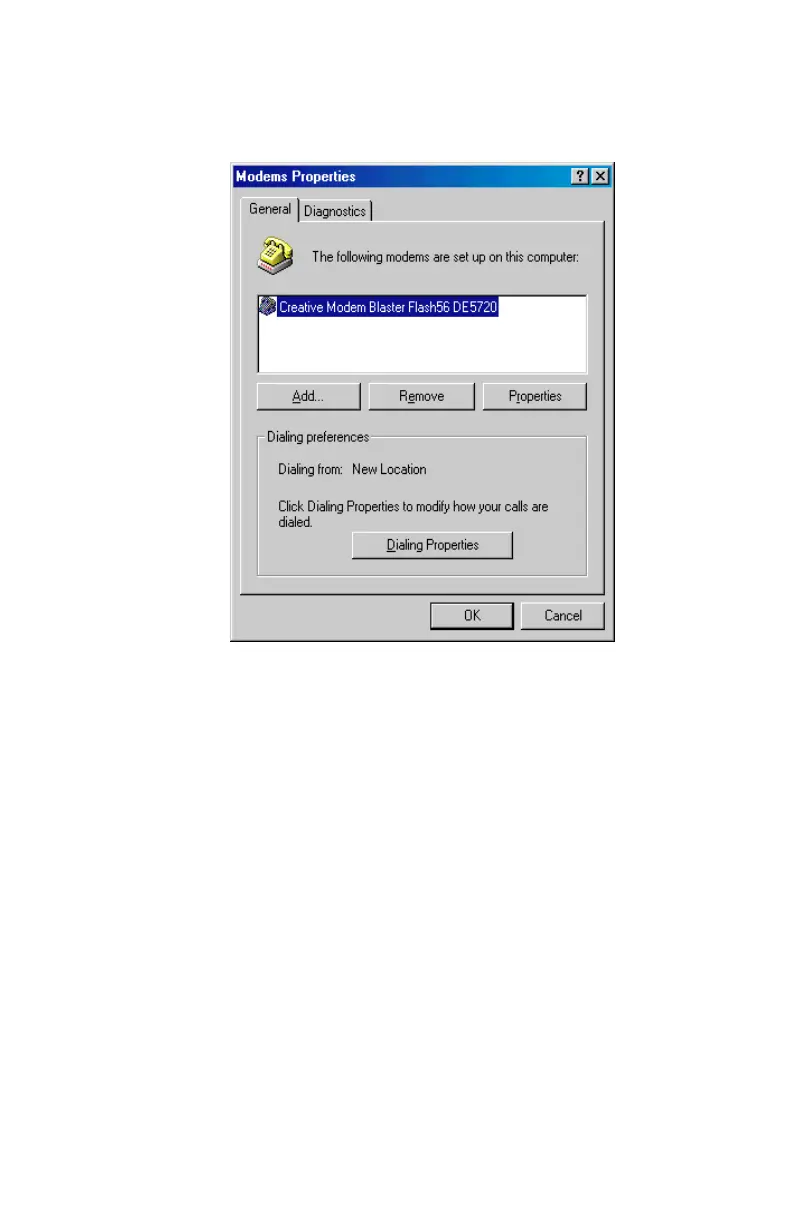
The
Modems Properties
sheet similar to
Figure 2-37
appears.
4. Select Creative Modem Blaster.
5. Click Remove, and then select Yes when you are asked if you
are sure you want to remove the device.
6. Click Close to finish the process.
7. Exit from Windows.
8. Shut down your computer and disconnect the Modem Blaster.
Figure 2-37: The ‘Modems Properties’ dialog box













 To Next Page