Modem Installation 2-5
Installing Drivers in Windows 95/98
Before you begin, please have the
Software and Modem Installation
CD-ROM ready, which will be required to install the modem drivers.
Follow the steps below to install your Modem Blaster driver:
1. Power on your modem and then the computer to allow the
operating system to detect the Modem Blaster.
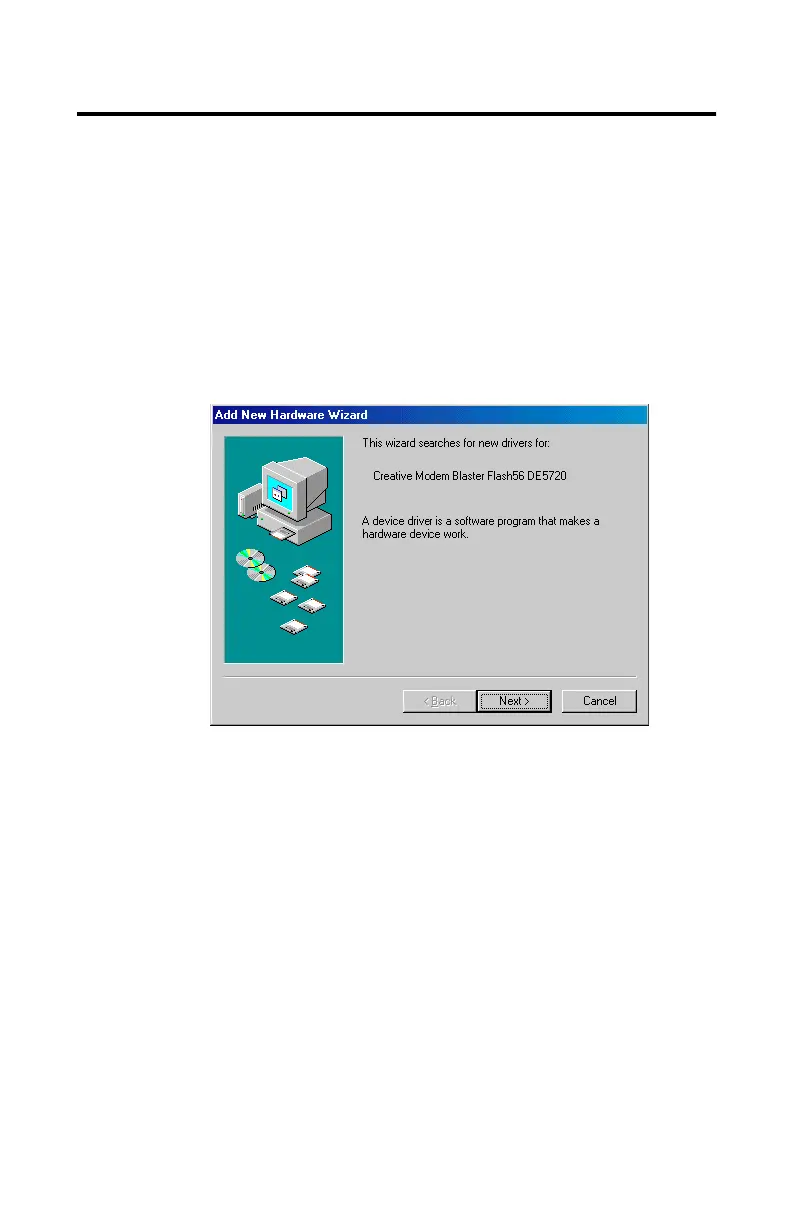
2. Once detected, as seen in
Figure 2-4
, the installation wizard
will begin to install the modem. Please select the Next option
to continue.
Figure 2-4: The installation wizdard dialog box













 To Next Page