Modem Installation 2-17
2nd Method
1. Power on your computer and insert the
Software and Modem
Installation
CD-ROM into the CD-ROM drive. Once you are
into the Windows environment, select the
button at the bottom left corner of your screen.
Select Settings, and then select Control Panel.
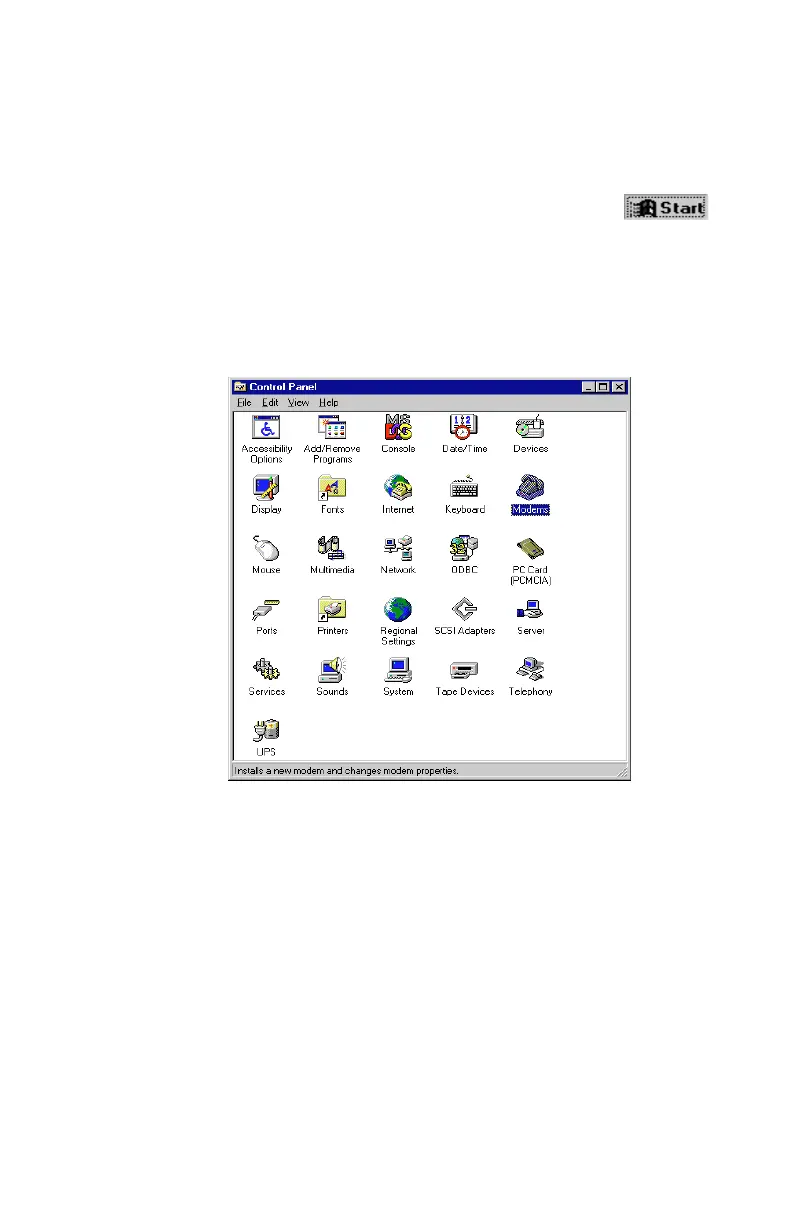
2. Once Control Panel is open, as seen in
Figure 2-23,
double-click the Modems icon to open it.
Figure 2-23: Windows Control Panel













 To Next Page