2-18 Modem Installation
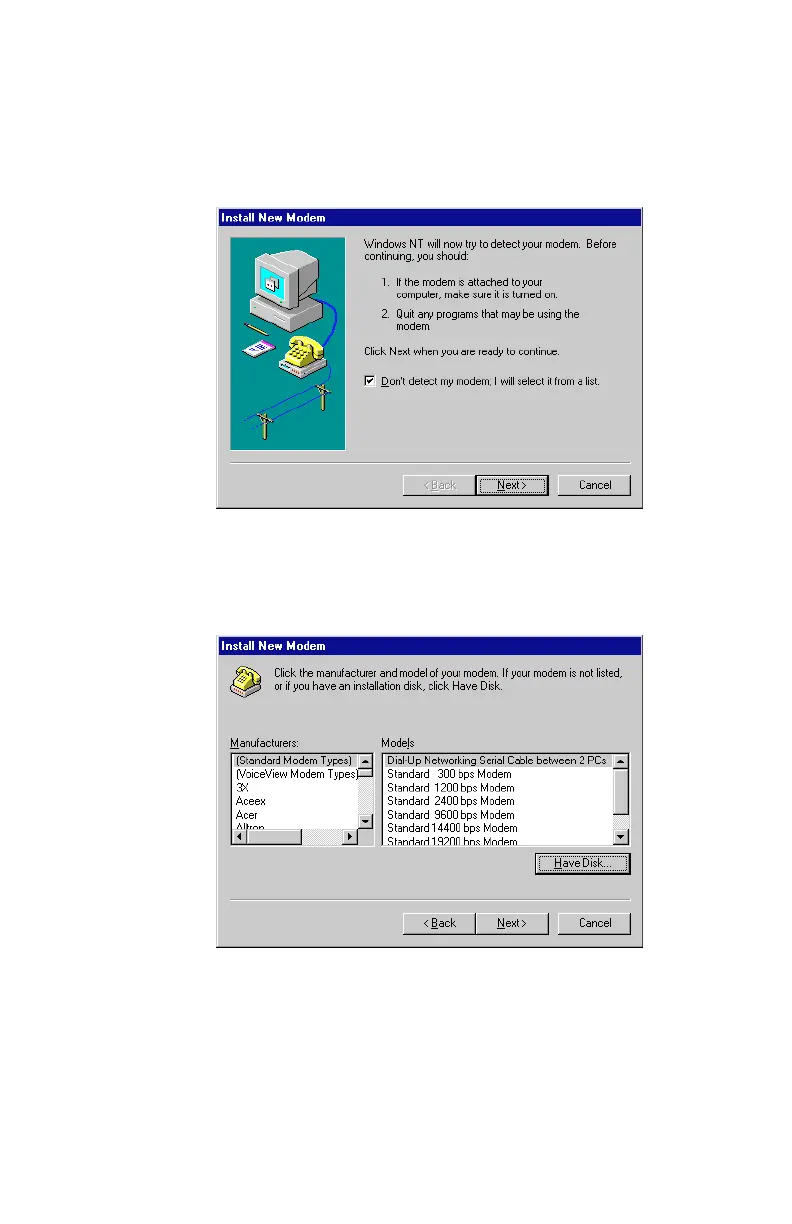
3. The
Install New Modem
dialog box, similar to
Figure 2-24
, will
appear. Select the “Don’t detect my modem; I will select it
from a list” option. Click on Next to continue.
4. Click on the Have Disk option when the dialog box similar to
Figure 2-25
appears.
Most modern phone systems use tone dialling. If,
however, your phone system supports pulse dialling, the
appropriate drivers can be found in the
\Drivers\pulse\english directory.
Figure 2-24: A pre modem installation dialog box
Figure 2-25: Select ‘Have Disk’ to continue













 To Next Page