Modem Installation 2-25
5. Select the COM port that has been assigned to the Modem
Blaster.
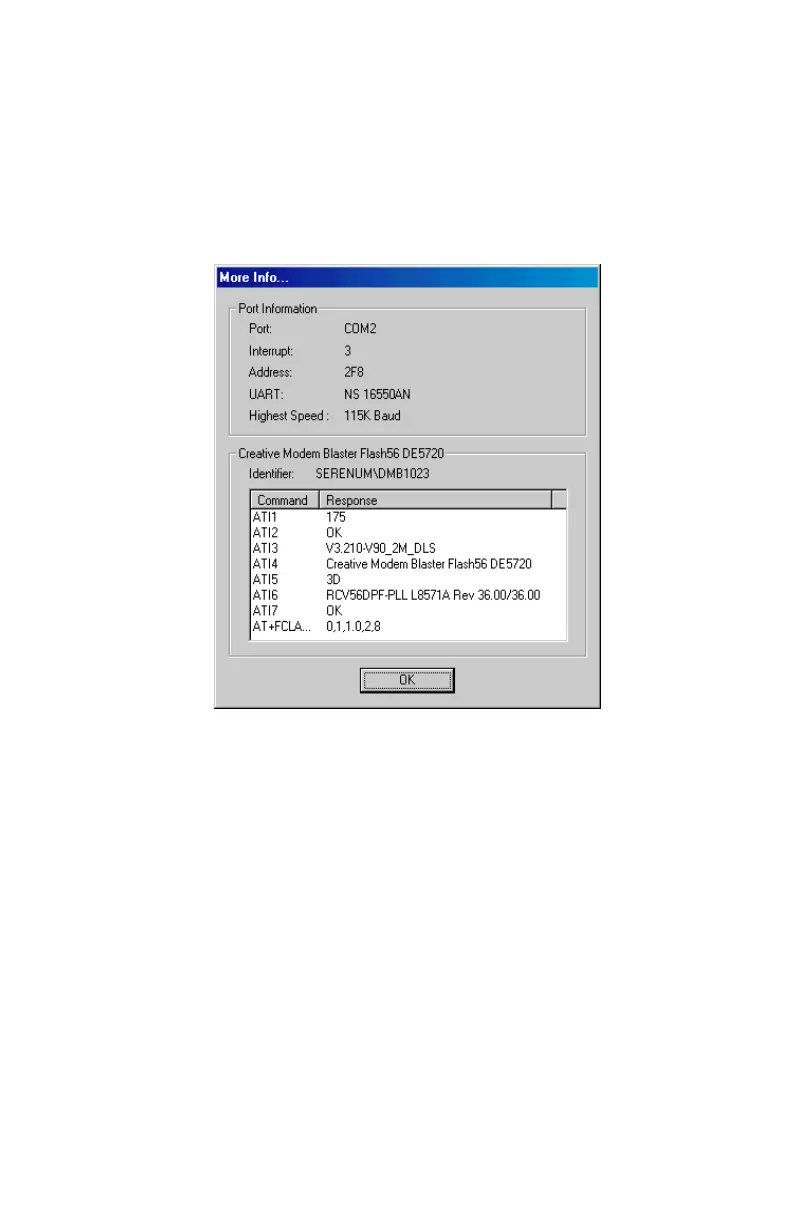
6. Click the More Info... button to have the responses from the
modem displayed, similar to
Figure 2-35
. The More Info...
action polls the modem for certain information and then echoes
back the results from the modem to the screen.
Figure 2-35: COM port assignment to confirm the successful modem installation













 To Next Page