Modem Installation 2-9
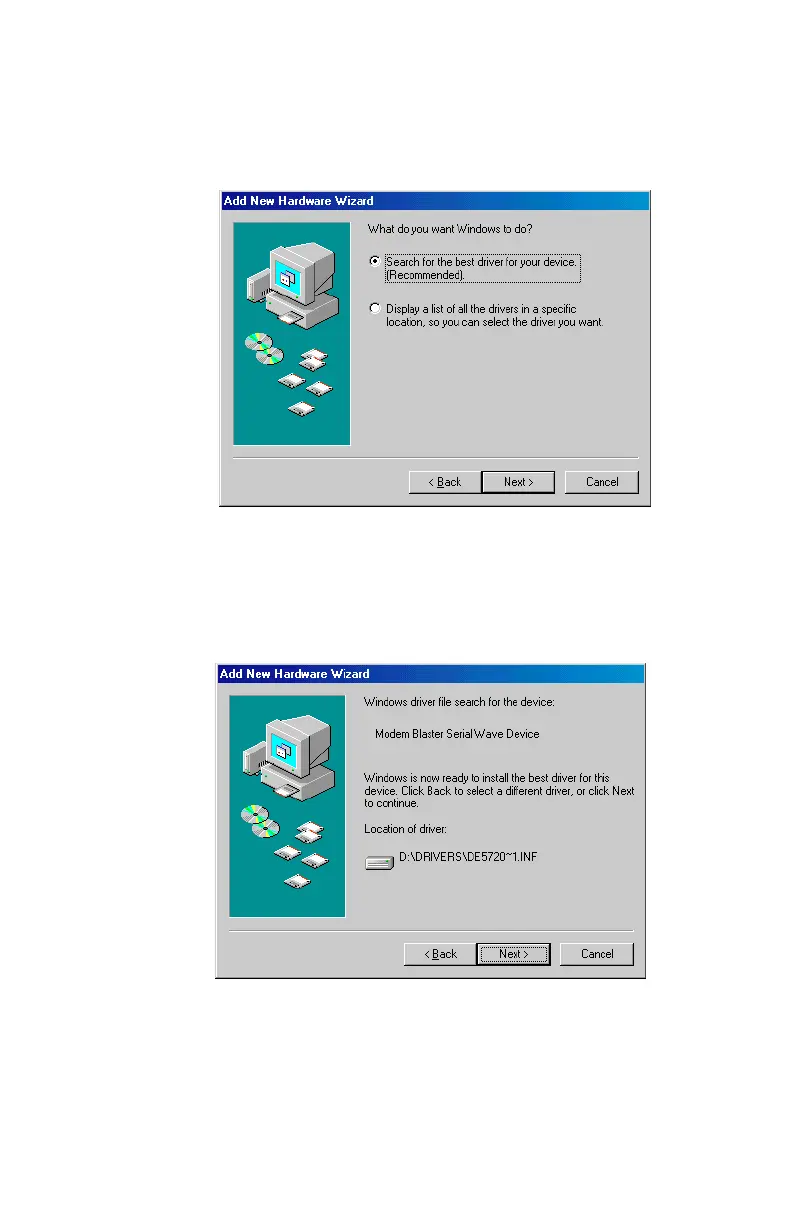
8. A figure similar to
Figure 2-10
will appear next. Make sure
that the
Search for the best driver...
option is selected before
clicking on Next to continue.
9. A dialog box similar to
Figure 2-11
will appear to indicate the
modem’s drivers hve been detected and are now ready to
install. Click on Next to continue.
Figure 2-10: Request to search for the wave device driver
Figure 2-11: Confirm the location of wave device driver













 To Next Page