22
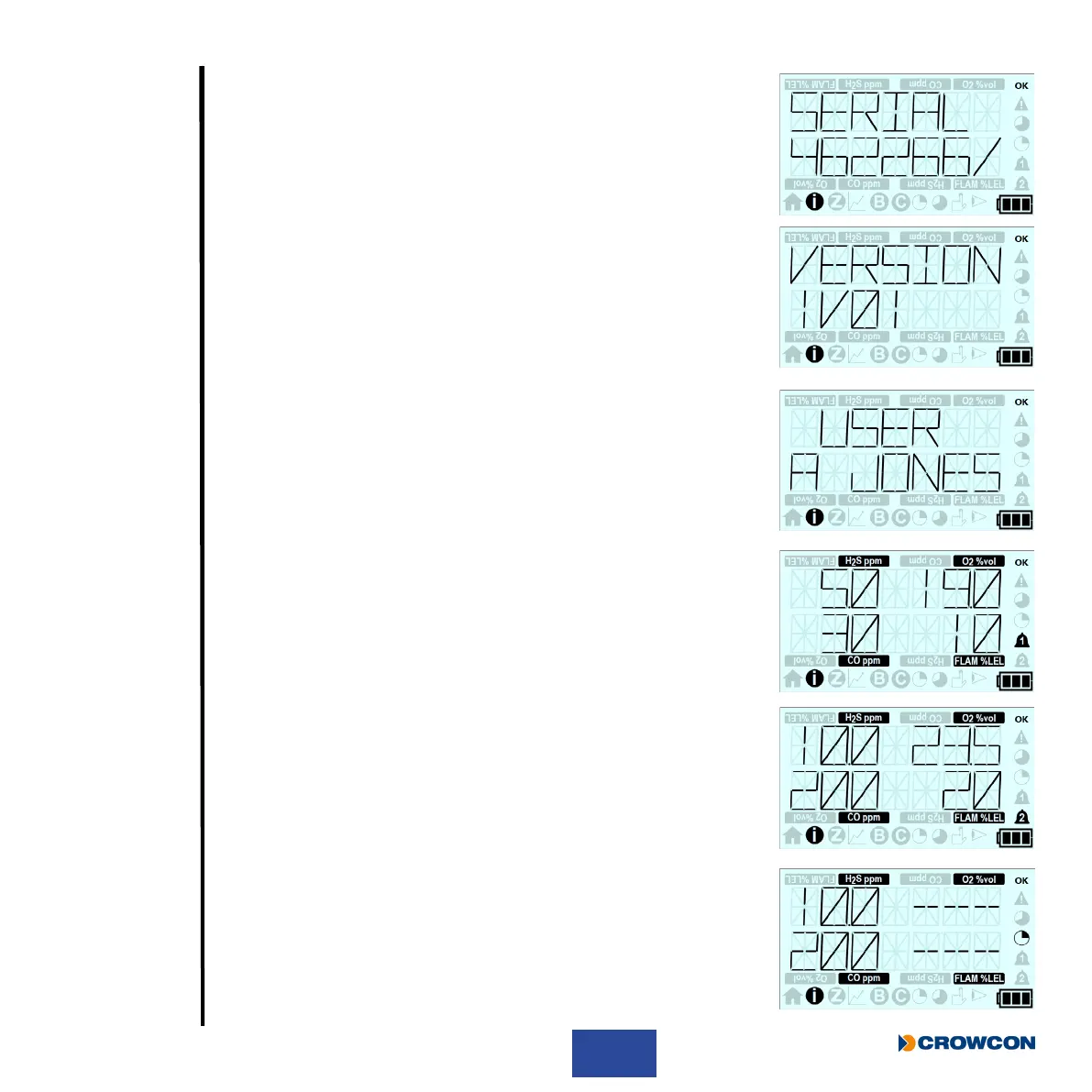
This screen then displays the T4 serial number.
This screen then displays the T4 rmware version.
This screen then displays the T4’s congured user name.
This screen then displays the sensors’ congured lower alarm levels.
This screen then displays the sensors’ congured upper alarm levels.
If a toxic sensor is tted this screen then displays the STEL congured
alarm levels (see Section 2.3.3).



 To Next Page