35
2.8.5 Bump Test
i
T4 bump test via menu must be performed utilizing quad gas containing CO, H
2
S, O
2
and
CH
4
for a fully populated T4.
i
The applied test gas must contain gas concentrations capable of exceeding the
congured alarm level 1 for each gas.
i
Bump strategy must be enabled for the bump test to operate via the menu function, this
can be congured utilizing Portables Pro 2.0.
i
A bump test can also be performed via Portables Pro 2.0 or via I-Test.
i
If utilizing gas extraction do not place the extraction outlet closer than 20cm to the
calibration/bump plate as this may result in an incorrect bump test result.
The bump test function allows T4 to be bump tested at anytime.
X Ensure the calibration/bump test plate is tted and the gas supply attached but not providing gas,
before selecting the bump test function.
X With the home screen displayed, double click the operator button
to access the menu functions screen.
X Single click the operator button repeatedly to scroll right until the
menu icon is displayed and then double click the operator
button to select.
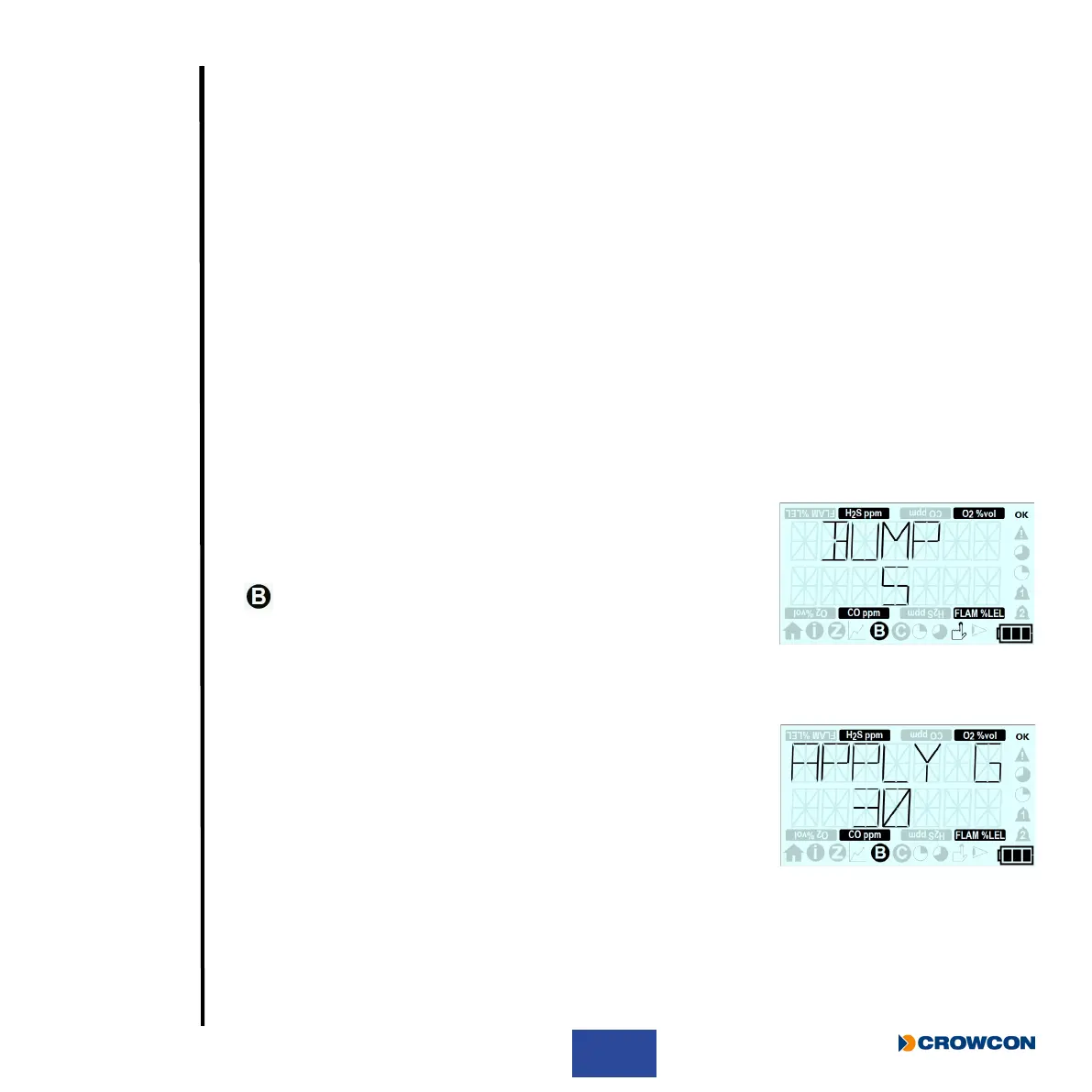
X The bump test countdown screen will then be displayed.
X To initiate a bump test, press the operator button before the
countdown is complete
X The apply gas countdown screen will then be displayed and the
test gas must now be applied.
i
If the operator button is not pressed before the countdown
is complete, T4 will not perform a bump test and will
automatically return to the home screen.



 To Next Page