31
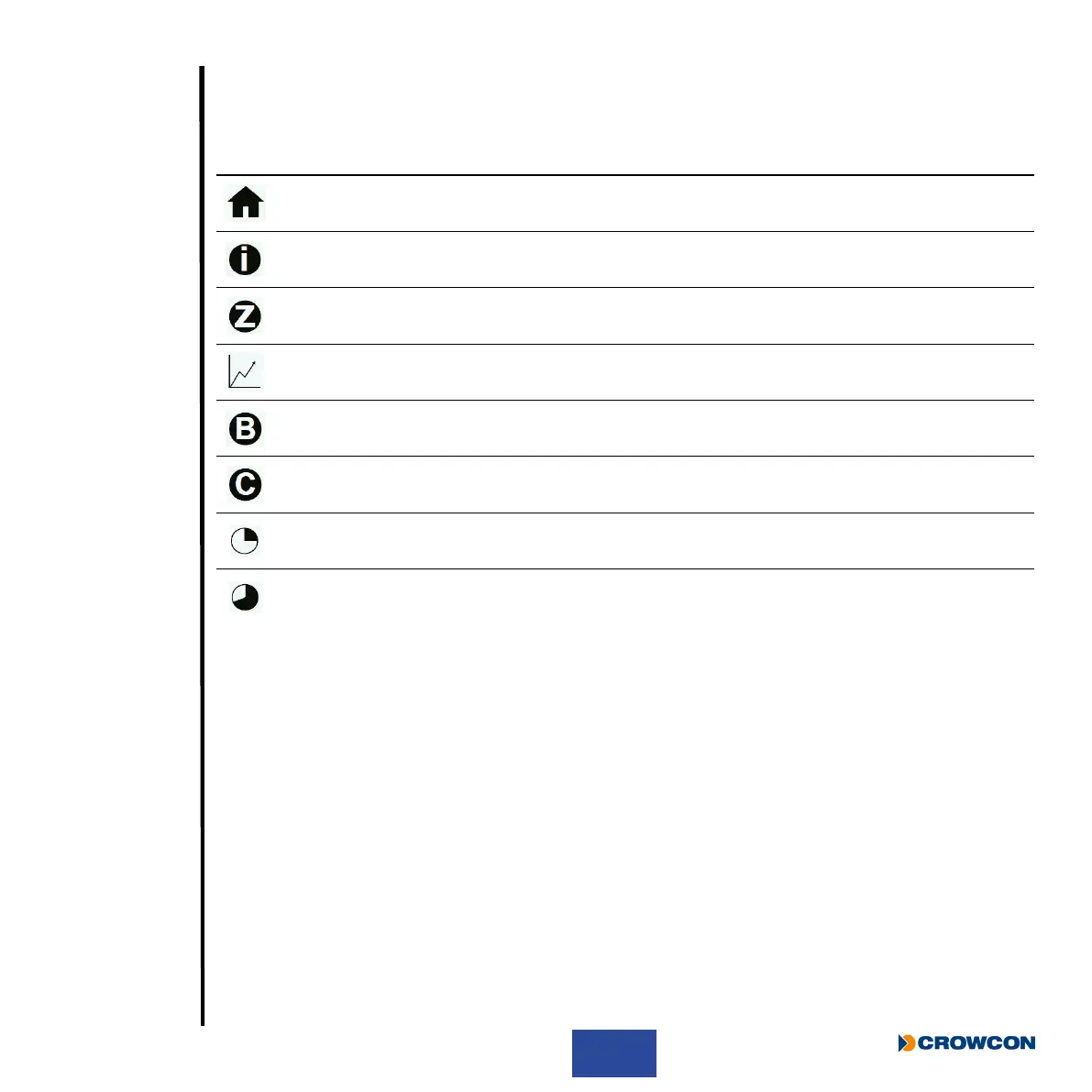
2.7 T4 menu icons
The following menu functions on the T4 display can be selected:
Icon Title Action
Home Return to Home page
Information Displays unit status/conguration
Zero Performs a sensor zero
Peak Mode Displays peak gas readings
Bump Performs a bump test
Calibration Performs a Calibration
STEL (Short Term Exposure Limit) Displays the current STEL value
TWA (Long Term Exposure Limit) Displays the current TWA value



 To Next Page