13
1.3 Charging & battery indications
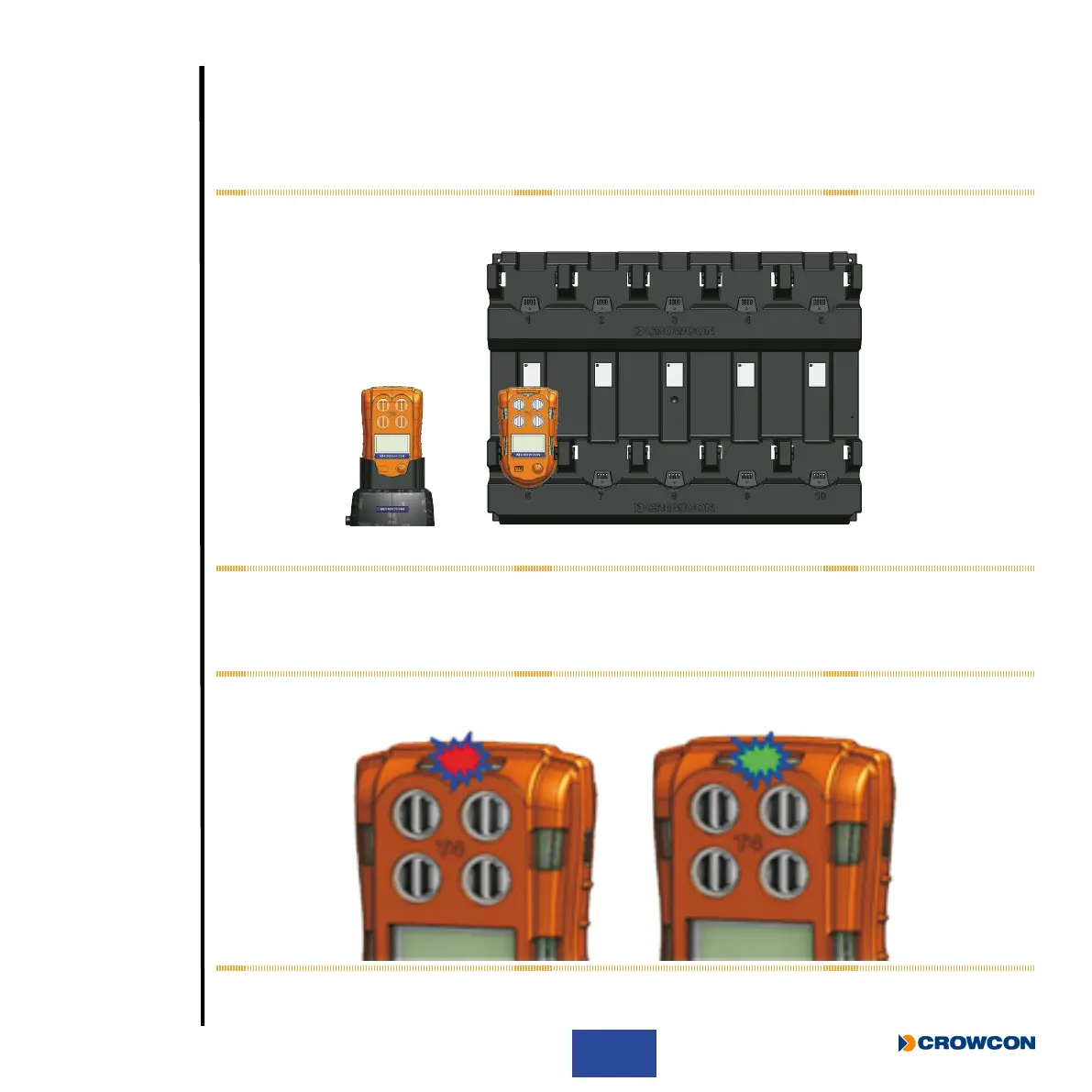
Charging should only take place in non-hazardous (safe) areas. To charge T4, simply plug it into either
the desktop charging unit À or the ten-way charging unit Á (see Figure 2 below). Ensure T4 ts rmly on
to the power connector of whichever charging unit is used.
Figure 2: Charging options
Referring to Figure 3 below, when T4 is powered off and placed in a charger, the +ve Safety™ LED will
indicate charging status. Whilst T4 is charging the LED will ash red
À, then when fully charged the LED
will ash green Á.
Figure 3: Charging LED status
À
Á
À Á



 To Next Page