25
2.3 Alarms
T4 has the following types of alarm:
• Low battery
• Instantaneous
• Time weighted average (TWA)
• Short term exposure (STEL)
2.3.1 Low battery alarm
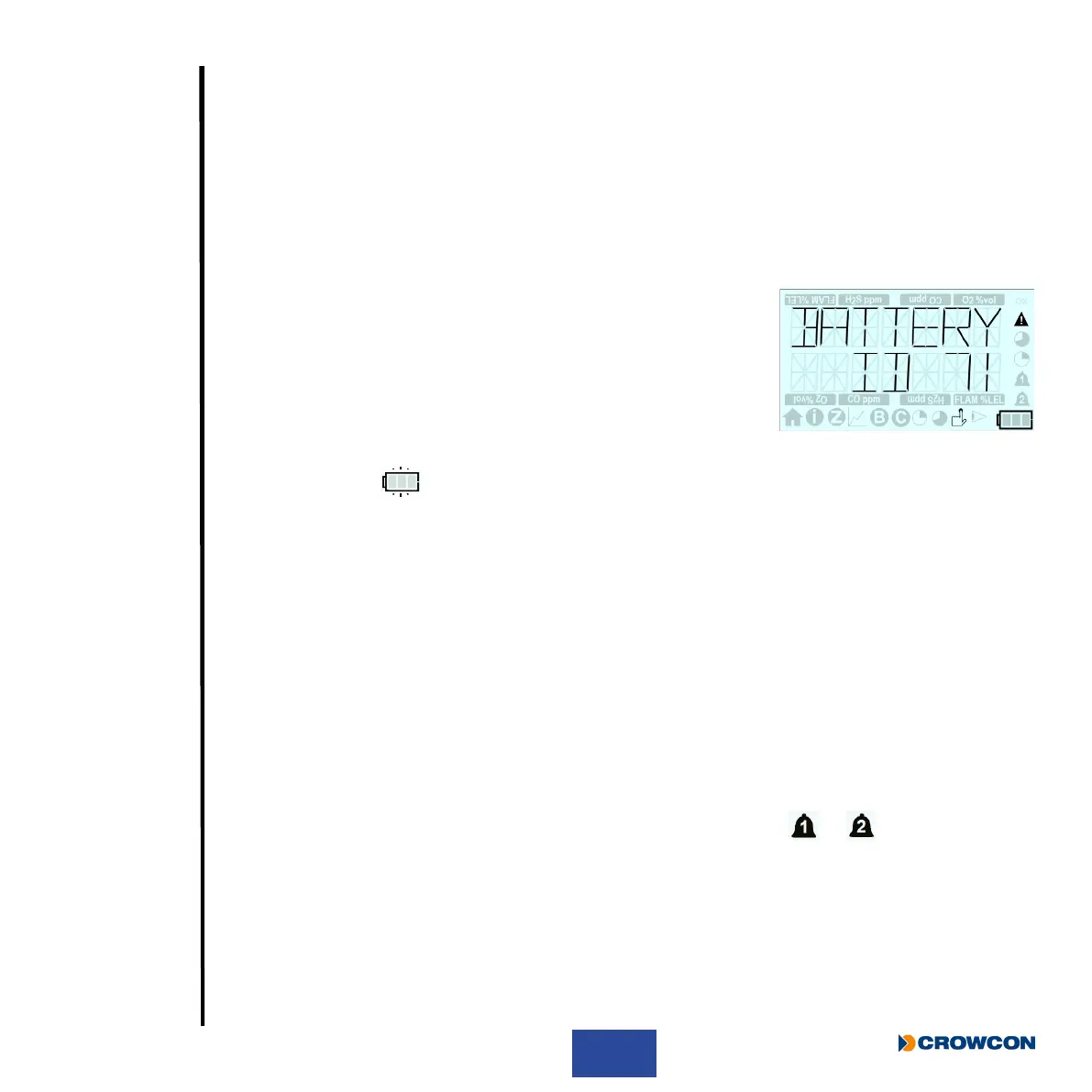
T4 will indicate a low battery alarm when the battery has a maximum
of 30 minutes remaining life.
i
This warning should be acknowledged immediately by
pressing the operator button.
The sounder will then emit an audible double blip every 5 seconds and the display will ash the
battery empty icon
.
In addition, if congured to do so (see Section 1.6), the +ve Safety™ LED will change state and
illuminate red.
When the low battery alarm is displayed the operator should nish their current activity and move to
a safe area before the 30 minutes battery life expiries.
2.3.2 Instantaneous alarm
T4 will go into alarm immediately if the level of any gas congured to be detected, exceeds
acceptable limits. A minimum and maximum level is set for oxygen, whilst the remaining gases will
cause an alarm for rising gas levels.
T4 will indicate an alarm state ‘1’ or alarm state ‘2’ according to which congured gas level has been
exceeded.
When T4 is in instantaneous alarm the appropriate ‘bell’ alarm symbol
or will ash
repeatedly on the screen to indicate which level of alarm has been triggered, the gas type and unit
icon will ash to indicate which gas has triggered the alarm, the sounder will emit a tone, alarm LEDs
will ash red and blue, and the T4 will vibrate.
i
If +ve Safety™ is congured the +ve Safety™ LED will also be illuminated red. The LED
will return to green when the instantaneous alarm is cleared.



 To Next Page