33
2.8.3 Manual zero
i
A manual zero should only be carried out in ‘clean air’.
The manual zero function allows T4 to be zeroed at any time.
X With the home screen displayed, double click the operator button to
access the menu functions screen.
X Single click the operator button repeatedly to scroll right until the
menu icon is displayed and then double click the operator
button to select.
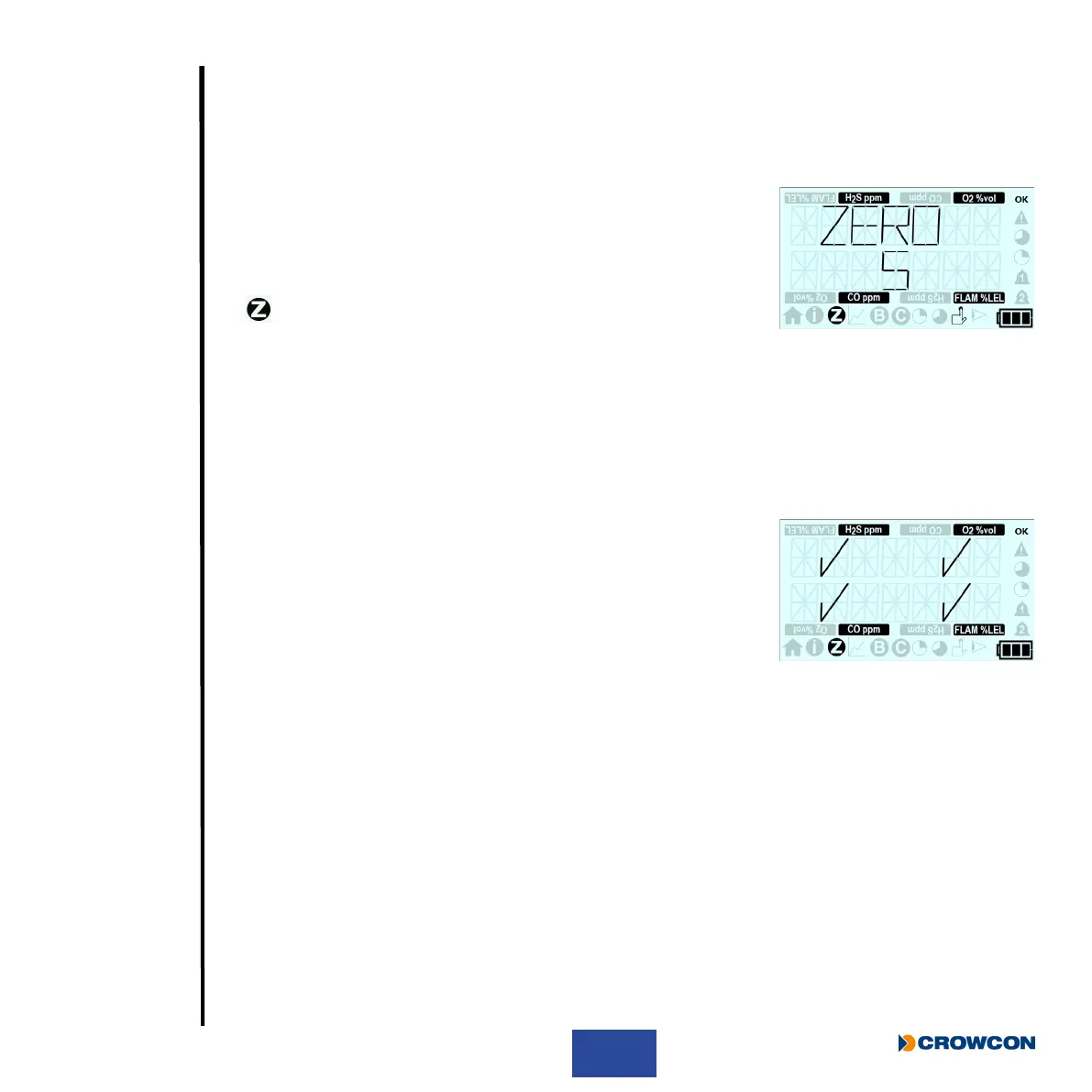
X The zero countdown screen will then be displayed.
X To perform a manual zero, press the operator button before the countdown nishes.
i
If the operator button is not pressed before the countdown is complete, T4 will not
perform a manual zero and will automatically return to the home screen.
A successful zero of a channel will display a tick on the screen as can
be seen, T4 will then automatically return to the home screen.
An unsuccessful zero will display a cross in the failed channel, T4
will then automatically return to the home screen.



 To Next Page