48
6. Troubleshooting
6.1 T4 Fault / Warning / Information Descriptions
6.1.1 Service Faults
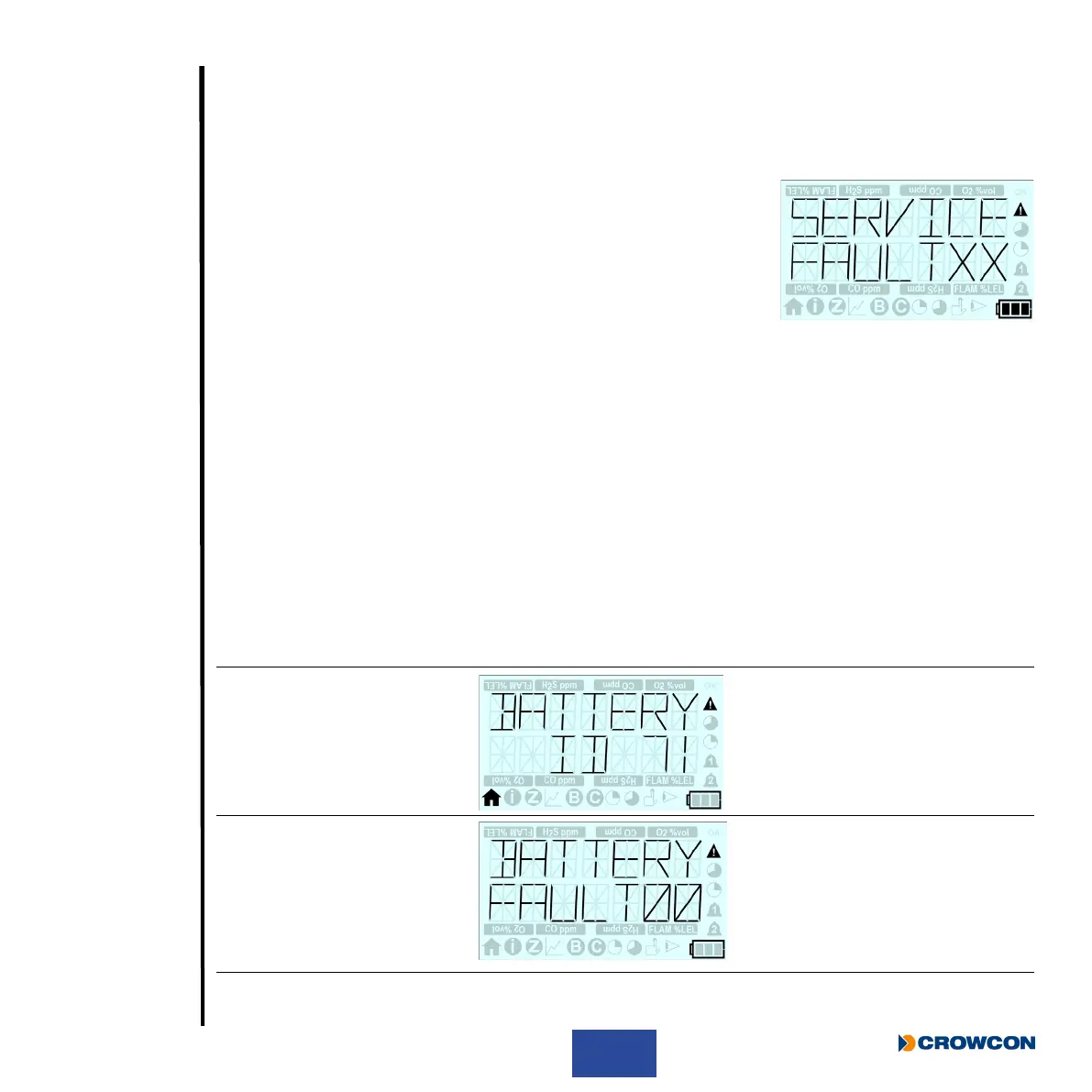
If T4 detects an internal fault that requires T4 to be returned for
servicing ‘Service’ message as shown will be displayed on the
screen, where ‘XX’ represents a specic fault ID code.
If T4 displays a service fault message T4 will not operate normally
and must be returned to a service centre for further investigation and
repair. No user intervention is possible.
6.1.2 Fault/Warning/Information Messages
T4 may indicate a fault or warning that requires user to intervention to resolve, or T4 may provide
additional information on instrument status.
The table below provides further details on these faults, warnings and information messages
including the fault message/symptom, the cause and the user action required.
Fault codes as listed in the table below are not displayed in the display message in all cases, but any
active fault code can be viewed via the information screen as detailed in Section 2.8.2.
Fault /
Warning
ID
Warning/Fault Display Image Status/Cause Operator
Action
71 “BATTERY LOW”
“ID71”
The battery icon will
also be ashing with
no segments.
Battery Low
T4 battery has
typically a maximum
30 minutes run time
before the battery will
be depleted.
Click operator
button to clear
warning.
Charge T4 as
soon as possible.
0
“BATTERY EMPTY”
“FAULT00”
The battery icon will
also be ashing with
no segments.
Battery Exhausted
T4 battery is
exhausted & T4 will
auto shutdown 15
seconds.
Recharge T4
battery.



 To Next Page