EasyManua.ls Logo

Crowcon T4 - Page 49

Crowcon T4
58 pages
Print Icon
To Next Page IconTo Next Page
To Previous Page IconTo Previous Page
Loading...
49
Fault /
Warning
ID
Warning/Fault Display Image Status/Cause Operator
Action
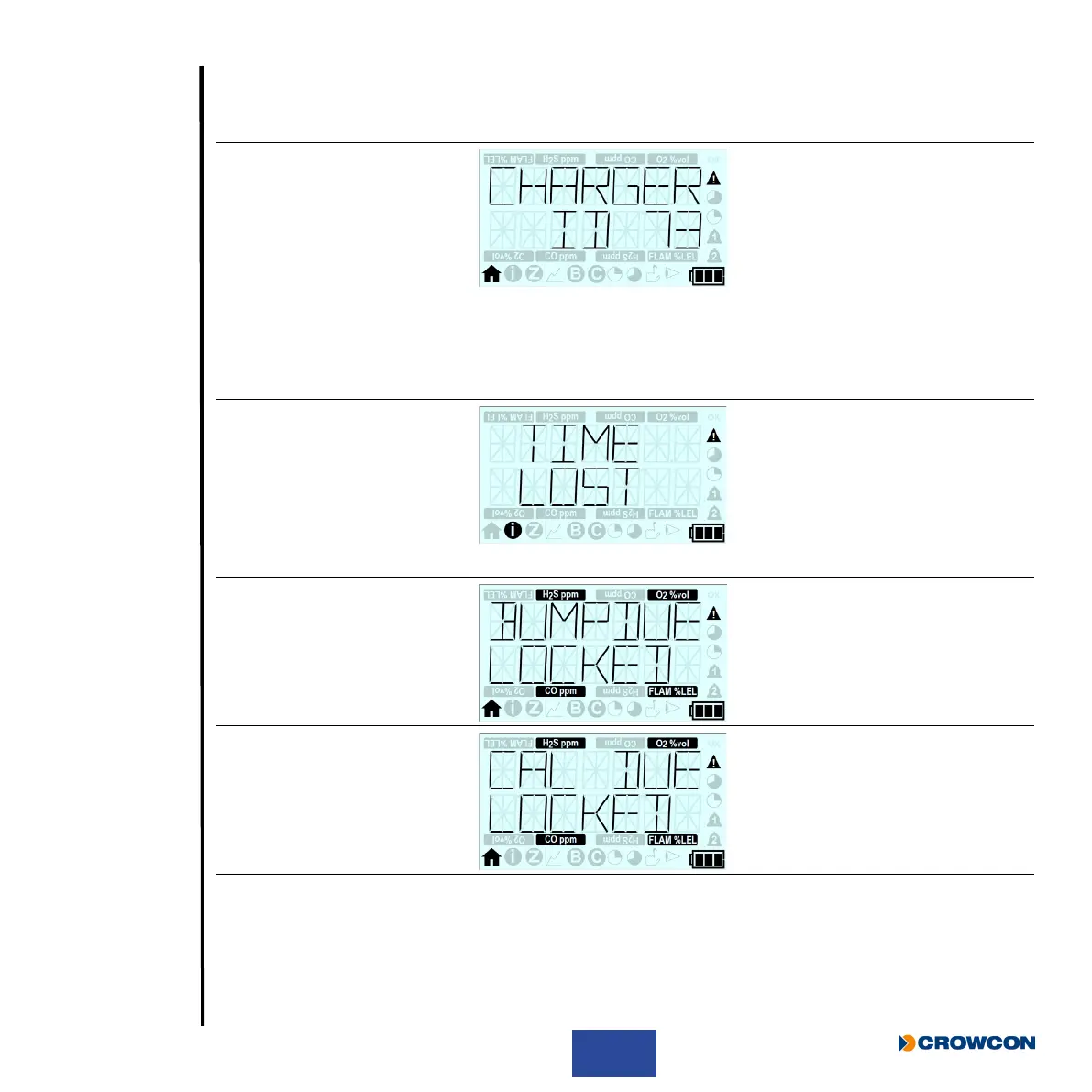
73 “CHARGER
SHUTDOWN”
“ID 73”
Charger Shutdown
T4 has been placed
on charge whilst T4
is powered on for a
prolonged period.
T4 will auto
shutdown after 15
seconds to prevent
circuit damage.
If T4 requires
charging no action
required, T4 will
auto switch off and
continue charging.
If T4 is removed
from the charger
it will not auto
switch off and
continue operating
normally.
21 “TIME LOST”
(Displayed during
start up)
Time & Date Lost
T4 has detected its
internal time and
date has been lost.
T4 time and date
must be reset to
ensure correct
operation.
This can be reset
utilising Portables
Pro 2.0 or by
placing T4 into
I-Test.
74 “BUMPDUE”
“LOCKED”
Bump Locked
A bump test is due
and T4 is congured
to lock on bump due.
Perform a
bump test (or a
calibration) on
T4 to ‘unlock’ for
normal operation.
25 “CAL DUE”
“LOCKED”
Calibration Locked
Calibration is due
and T4 is congured
to lock on calibration
due.
Perform a
calibration on
T4 to ‘unlock’ for
normal operation.
Contents
Exit
Prologue
Operation
Maintenance
Specication
Accessories
Troubleshooting
Appendices
Warranty
Set-up

Other manuals for Crowcon T4