Installation of Accessories
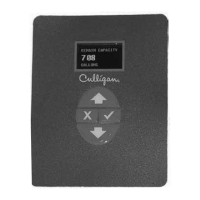
From the home screen, press the DOWN arrow to ACCESSORIES. Press the CHECK
MARK button.
From the ACCESSORIES screen, press the CHECK MARK button at EXT. FILTER.
Press the CHECK MARK button to change EXTERNAL FILTER ALARM setting. Press
the UP or DOWN arrow to change from INSTALLED to NOT INSTALLED. Press the
CHECK MARK when the correct EXTERNAL FILTER ALARM mode is displayed.
Press the CHECK MARK button to change FILTER CAPACITY setting. Press the UP or
DOWN arrow to increase or decrease FILTER CAPACITY. Press the CHECK MARK
when the correct FILTER CAPACITY is displayed.
> 11) ext. filter
external filter alarm
>installed
filter capacity
>10000 gallons
Auxiliary Contacts 46
45 CULLIGAN GLOBAL ELECTRONIC CONTROLLER
> 4) accessories


 To Next Page