First Set-up Procedure
If at any time you need to re-run First Time Setup - refer to instruction on page 58.
After completing the plumbing connections to the water softener, follow these steps to turn
on and program the softener controller.
STEP 1: Plug in the wall transformer
STEP 2: Perform the on-display “First Time Setup” process (below)
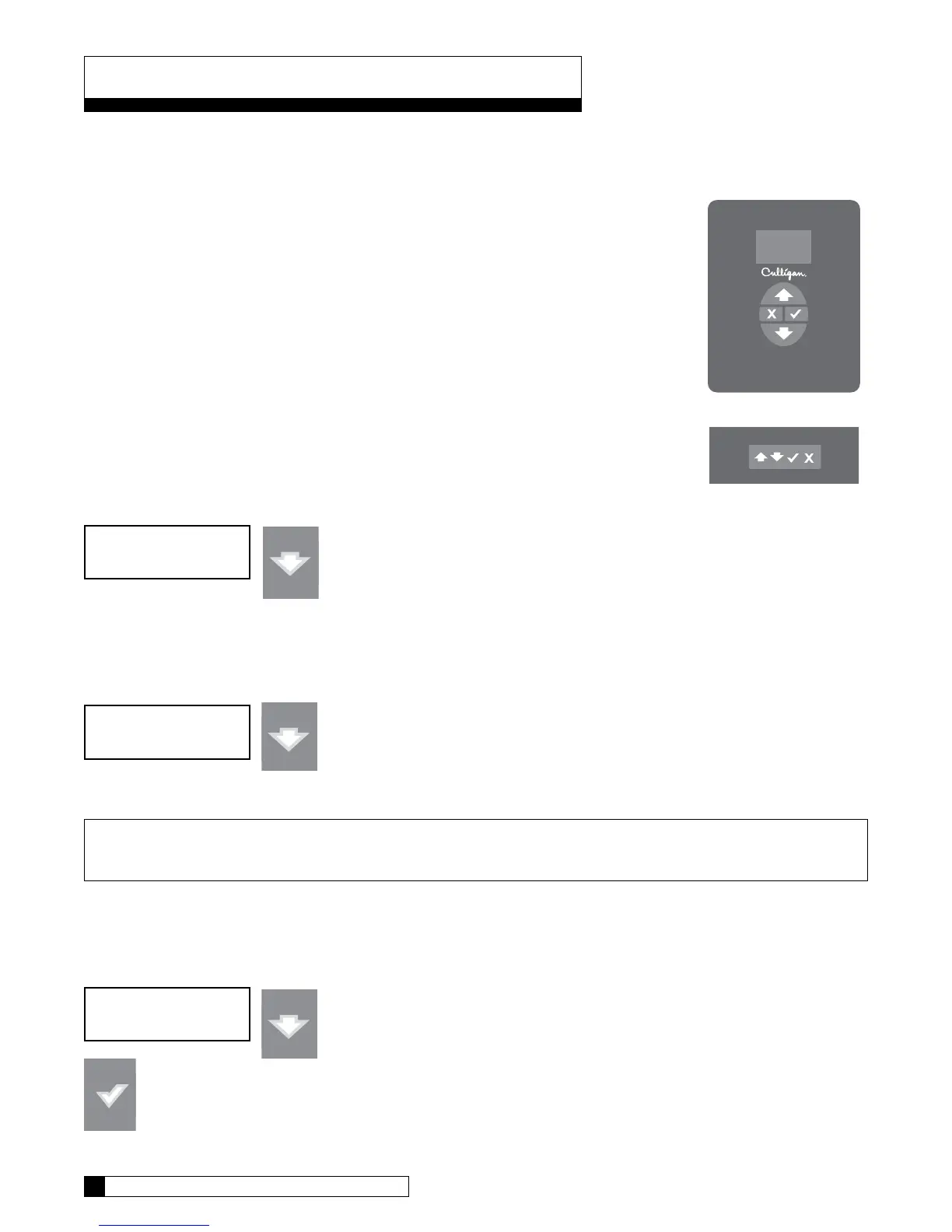
„ Moves up the menu
‰ Moves down the menu
P Changes the display, accept desired change
X Cancel or exit
1. When a new controller is first turned on, the display shows the following:
Press the down arrow to move tot he next question.
2. Electronic Serial Number
S/N: 00000123
This screen is very important as it shows the electronic ID number of the controller.
Note: If this unit will be installed with a modem, it is required that this electronic ID number
is reported back to Culligan on the IQR form.
Press the DOWN arrow button to change the display to read “Set Month”.
3. Set Month
• If the default selection is correct, press the DOWN arrow to accept that value and move to the next
question.
• If the value displayed is NOT correct then press the CHECK MARK button to change the display to
show a “>” symbol next to the displayed value.
First Time Setup Process
Controller
Remote
Set Month
Jan
First Time Setup
Hit Down Arrow
First Time Setup Process 24
23 CULLIGAN GLOBAL ELECTRONIC CONTROLLER


 To Next Page