CHAPTER 3: CONFIGURING THE AXN SYSTEM 49
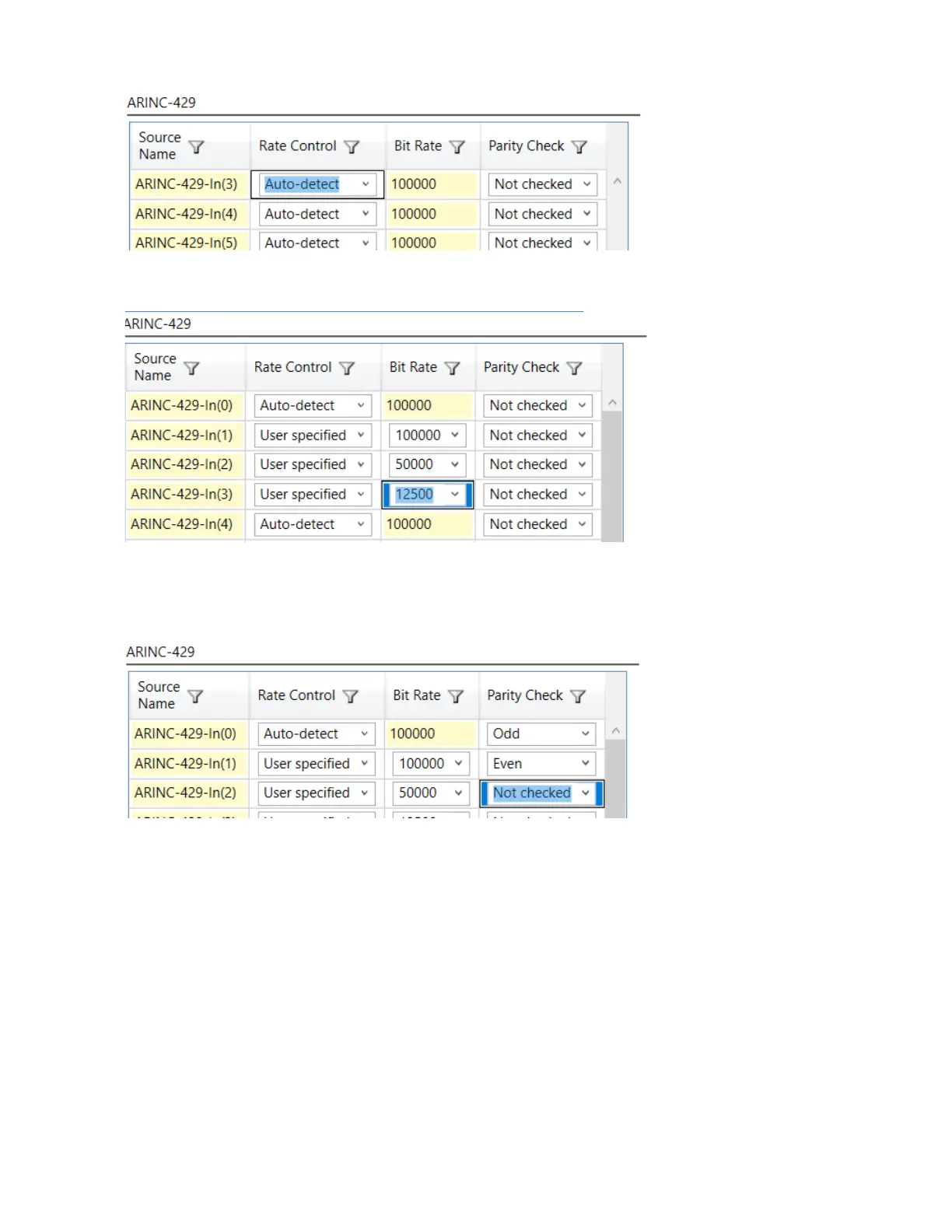
To specify a bus speed on any bus, set Rate Control to User specified; the bit rate for that bus can be selected
from the Bit Rate drop-down menu for each bus.
The ARINC-429 protocol allows for the parity bit of the ARINC-429 word to reflect Odd or Even parity. The
AXN/ABM/401 can be configured to check each word that arrives on each bus for correct Odd or Even parity, or to
not check the parity bit. To tell the AXN/ABM/401 to check for Odd or Even parity on any bus, set Parity Check to
Odd or Even for that bus.
When parity check is enabled on any bus, any parity errors on cherry picked, specifically-defined words are
reflected in the Report word of the module. In the packetizer, the error code for parity error is set in the word info
bits to reflect any parity errors.
Packetizer setup
Packetizer packets can be configured to output packetizer packets per channel or all channels combined into one
packetizer packet. This is a module level setting. To configure individual packetizer packets per channel, set
Packetization to Individual. To configure combined packetizer packets from all channels into one packetizer
packet, set to Combined.



 To Next Page