CHAPTER 3: CONFIGURING THE AXN SYSTEM 55
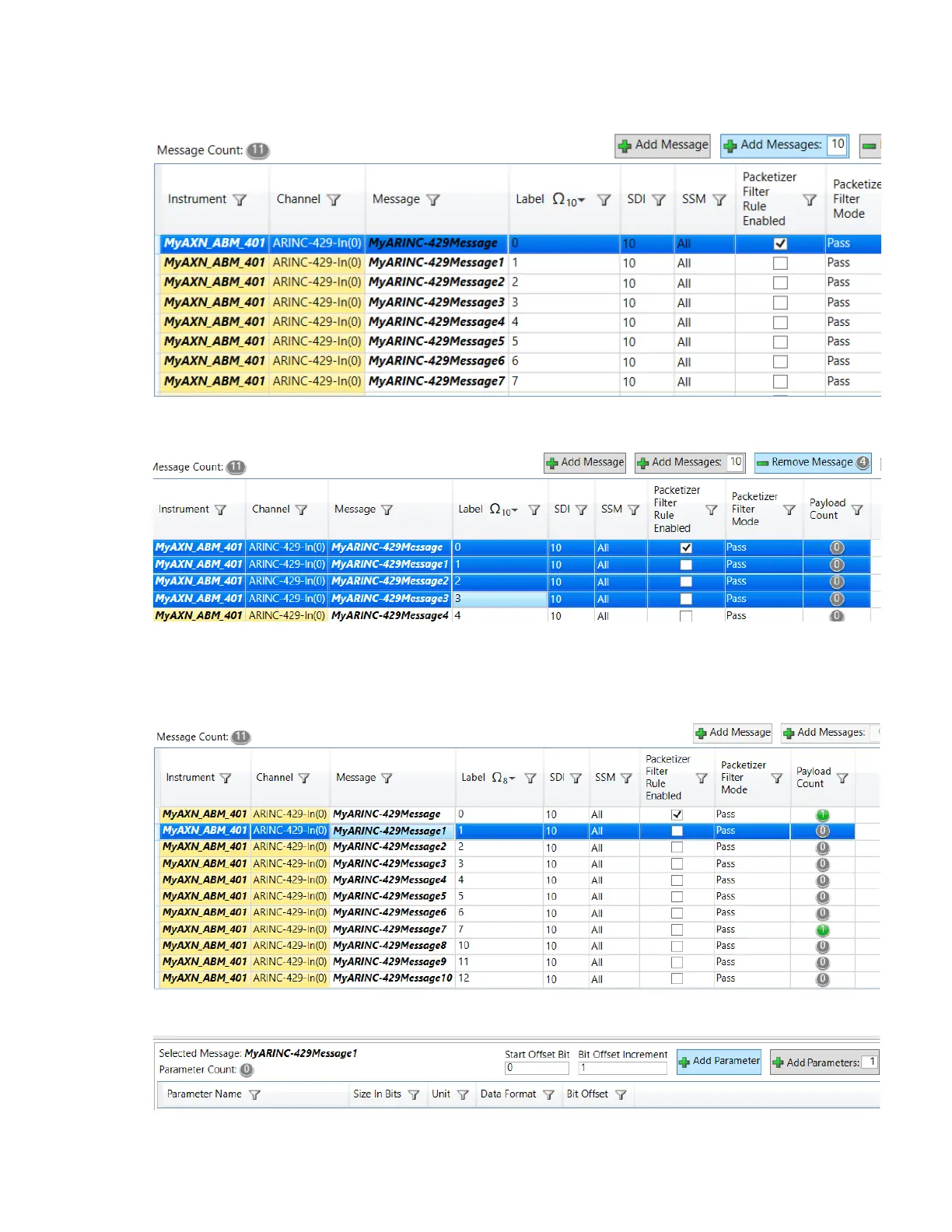
5. To add multiple messages on any bus, type the number of messages in the Add Messages field and then click
Add Messages.
6. To remove a message definition, select the message (hold the Shift or Ctrl key to select multiple messages)
and click Remove Message.
N
OTE:
7. This step only defines the rules to identify the ARINC-429 words. To actually read the message defined by this
rule, you must define a parameter to be read from this message. To do this, select the message and then click
Add Parameter. (Repeat for each message you want to define.)



 To Next Page