User Guide DDOC0199-000-A9
1-Slot Data Transport System (CSfC) 8 - 4 Operation
© 2024 Curtiss-Wright Defense Solutions Revision 2.0
6. Log into CLI as follows:
a. At the login prompt type admin.
b. At the password prompt type istrator.
8.2.2 IP Address
The default IP addresses can be changed if desired.
1. To change the eth0 IP address (utility connector J2), type:
2. To change the eth1 IP address (Ethernet connector J3), type:
3. To change the eth0 IP address and netmask, type:
NOTE
The DTS1+ CSfC can be configured as a DHCP client if desired. When configured in this manner,
the IP address is set remotely by a DHCP server.
4. Configure the DTS1+ CSfC as a DHCP client as follows:
a. To configure Ethernet port 0 type ipconfig -e eth0 -D -F and press E
NTER key.
b. To configure Ethernet port 1 type ipconfig -e eth1 -D -F and press ENTER key.
5. To check DHCP status, type ipconfig -V and press ENTER key.
NOTE
The green highlighted text below is assigned by the DCHP server.
Example
8.2.3 Account Management
The DTS1+ CSfC operating system has two accounts:
• admin (default password is istrator)
• user (default password is password)
The admin account is used to setup and configure the unit via the CLI. The user account can only
access the RMC module and cannot change or update any operational parameters.
The Hardware Encryption (HWE) layer and Software Encryption (SWE) layer each have one
account. These accounts are independent of the DTS1+ CSfC accounts. Refer to paragraph 6.3
Hardware Layer Encryption and paragraph 6.4 Software Layer Encryption for additional
information.
8.2.4 Passwords
NOTE
The administrator can configure the unit using the Command Line Interface (CLI).
Administrator
• Username: admin
• Password: istrator
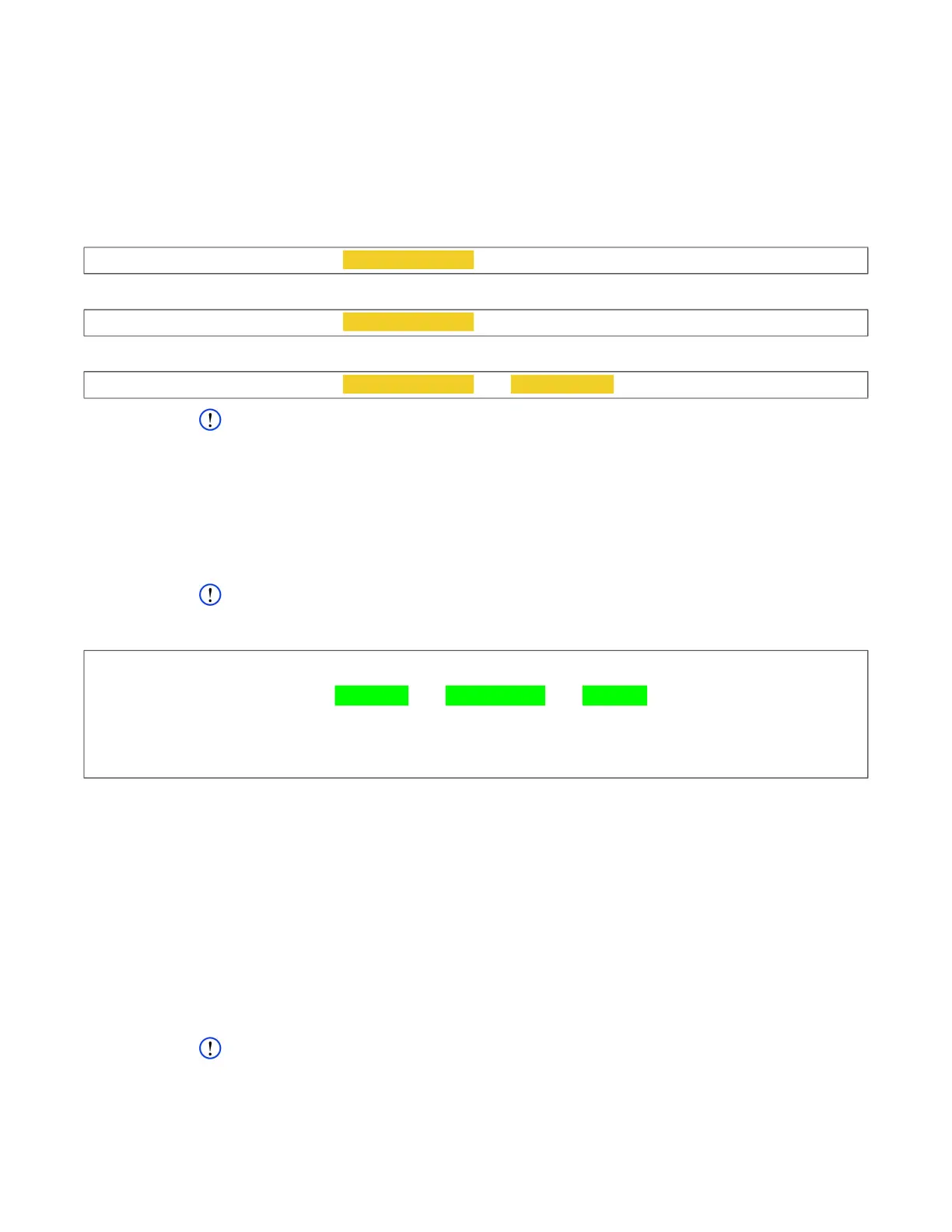
cw_dts>
ipconfig -e eth0 -i new IP address -F
cw_dts>
ipconfig -e eth1 -i new IP address -F
cw_dts>
ipconfig -e eth0 -i new IP address -n new netmask -F
cw_dts> ipconfig -V
[ipconfig]
STS_ETH_0: link=1000 ip=10.19.6.64 nm=255.255.240.0 gw=10.19.1.5 status=OK
STS_ETH_1: link=1000 ip=NA nm=NA gw=NA status=OK
CFG_ETH_0: prot=dhcp status=OK
CFG_ETH_1: prot=static ip=192.168.2.1 nm=255.255.255.0 gw=NA status=OK
[!ipconfig] OK



 To Next Page