User Guide DDOC0199-000-A9
1-Slot Data Transport System (CSfC) 8 - 5 Operation
© 2024 Curtiss-Wright Defense Solutions Revision 2.0
NOTE
The user can access the drives configured as network storage. The user cannot access the CLI.
User
• Username: user
• Password: password
NOTE
The admin account has configuration privileges while the user account has access to only network
storage functionality.
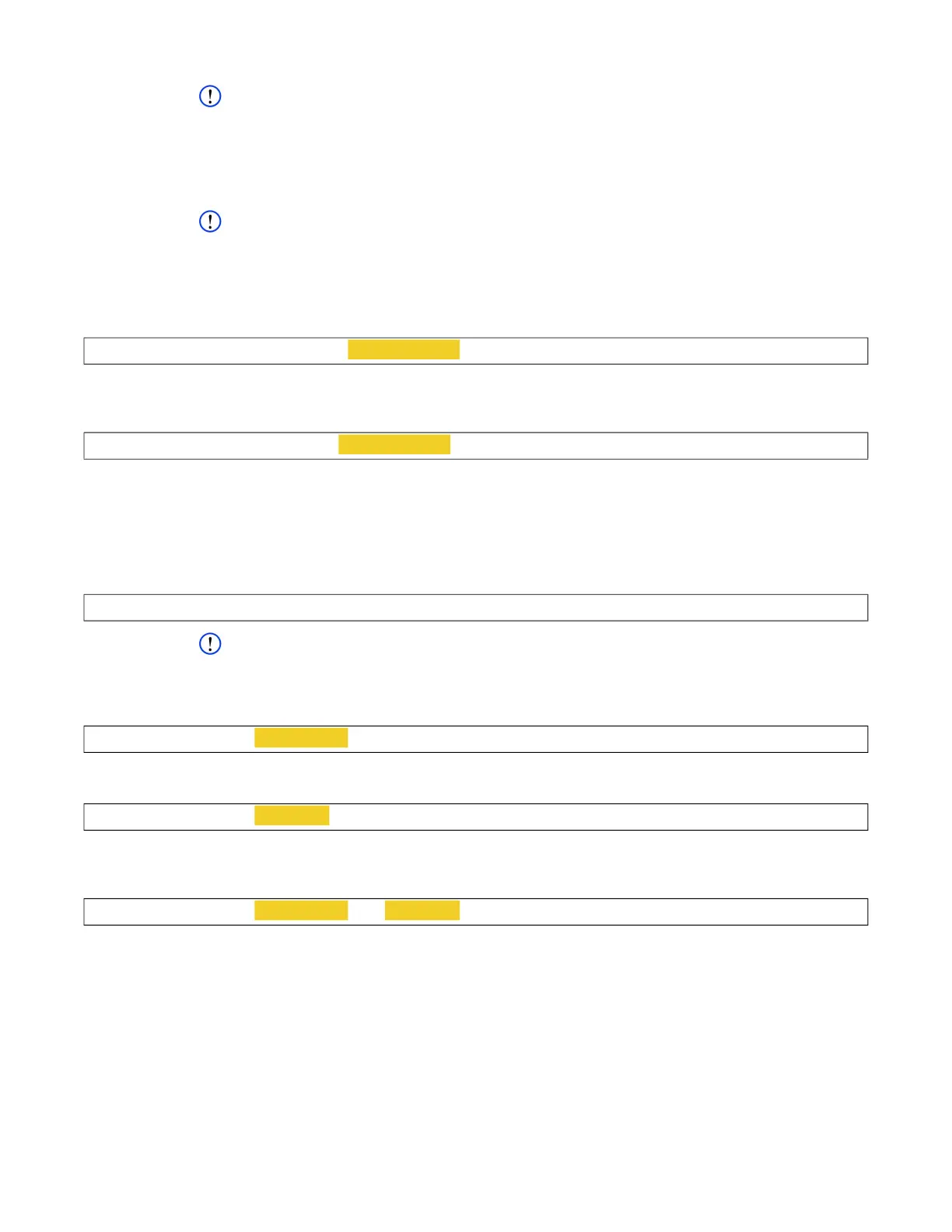
To change admin account password, type password -u admin -p new password and
press E
NTER key.
Example
To change user account password, type password -u user -p new password and press
E
NTER key.
Example
The DTS1+ CSfC software will prompt for the new password when -p command is used.
8.2.5 Time / Date
The time and date appear in some status displays and messages.
To display the current date and time, type sysdate and press E
NTER key.
Example
NOTE
The date must be entered as yyyy/mm/dd. The time must be entered as hh:mm:ss
To change the current date, type sysdate -d yyyy/mm/dd and press E
NTER key.
Example
To change the current time, type sysdate -t hh:mm:ss and press ENTER key.
Example
To change the current date and time, type sysdate -d yyyy/mm/dd -t hh:mm:ss and
press ENTER key.
Example
8.3 Login
Logging into the DTS1+ CSfC is a three-part process. Before the RMC module can be accessed or
configured, the user must (in the following order):
1. Log into DTS1+ CSfC.
2. Initialize HWE layer.
3. Log into HWE layer.
cw_dts>
password -u admin -p new password
cw_dts>
password -u user -p new password
cw_dts>
sysdate
cw_dts>
sysdate -d yyyy/mm/dd
cw_dts>
sysdate -t hh:mm:ss
cw_dts>
sysdate -d yyyy/mm/dd -t hh:mm:ss



 To Next Page