• Set the high/low humidity limits
Note: The respective Enable Alert option must be selected for the Low/High
Temperature and Low/High Humidity Alert settings to be operational.
1. To enable the alert for the primary sensor, navigate to [ ] Enable Alert
under Primary Sensor: and press Enter. An x appears indicating the
option is active. Press Enter again to remove the x and disable the
option.
2. To change the High/Low Temperature or High/Low Humidity Alert
threshold for the primary sensor, navigate to the desired setting and
press Enter.
3. Use Backspace and the number keys to change values. Press Enter
when done.
4. To enable the alert for the secondary sensor, navigate to [ ] Enable
Alert under Secondary Sensor: and press Enter. An x appears
indicating the option is active. Press Enter again to remove the x and
disable the option.
5. To change the High/Low Temperature or High/Low Humidity Alert
threshold for the secondary sensor, navigate to the desired setting and
press Enter.
6. Use Backspace and the number keys to change values. Press Enter
when done.
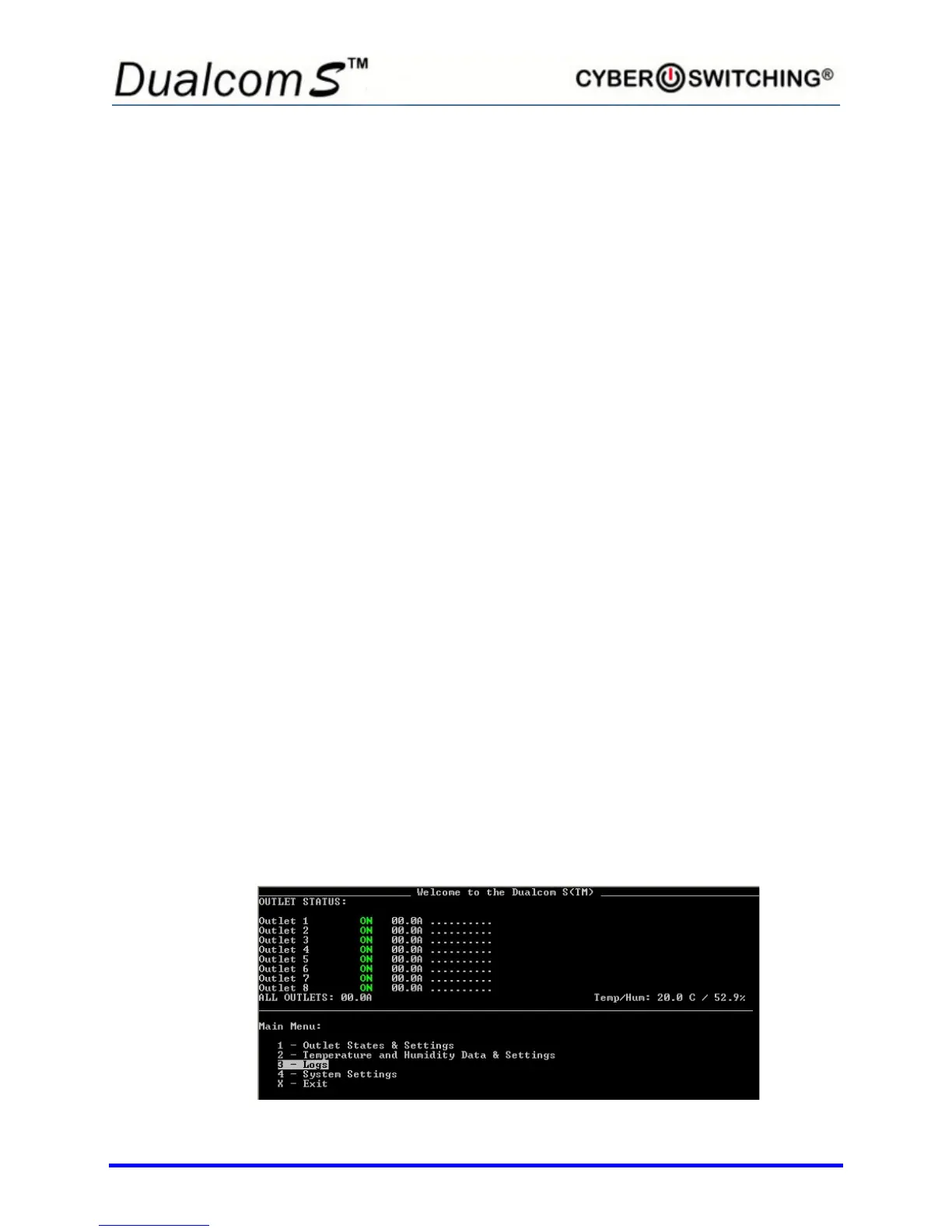
Logs
The Dualcom S maintains a log of 64 events at a time. When enabled, the
Dualcom S can e-mail the log to a designated person manually at anytime, or
automatically once the log file is full. If the log file is full and e-mail is not
enabled, the unit will overwrite the oldest event, and thus keep the log current.
To setup log e-mail, refer to the Logging Setup section on page 15.
From the main menu, type 3 to select Logs.



 To Next Page