WEB INTERFACE SETUP
Once the Dualcom is configured and on the network as explained in the TCP/IP
Connection section, the Dualcom S unit is ready for use.
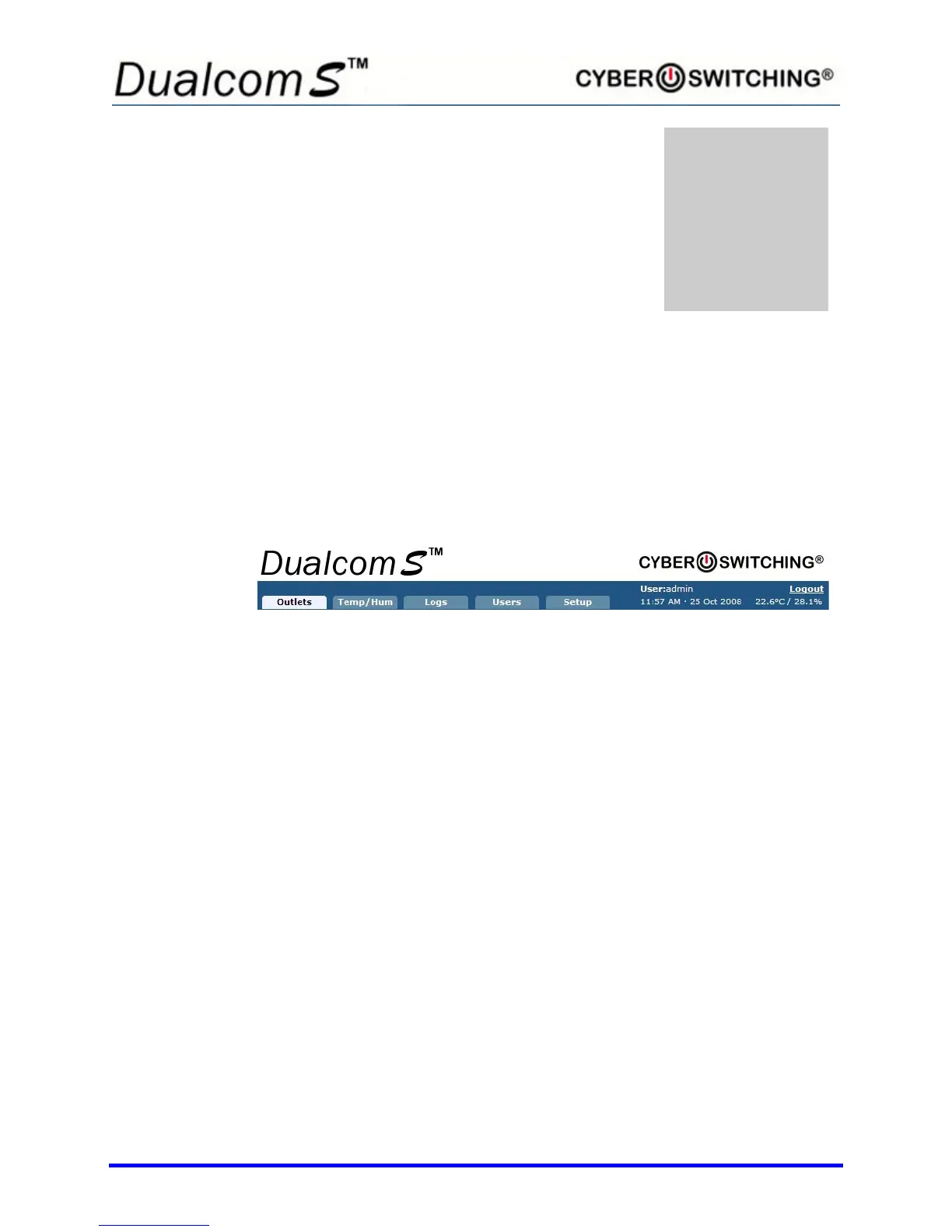
The web interface features five tabs that run along the top of the page:
The following functions can be performed from within the tab listed:
• Outlets
o Change the state of the outlets
o Setup scheduling
o Rename outlets
o View current draw per outlet
o Set outlets to a certain state when unit powers up
o Set up Cyber Breaker
®
the Virtual Circuit Breaker
TM
• Temp/Hum
o Enable the primary and/or secondary sensor alert
o Set the high/low temperature/humidity limits
• Logs
o View the last 64 events that have occurred in detail.
• Users
o Add, Edit and Delete users
• Setup
o Time/Date Settings
o Network Settings
o Logging Settings



 To Next Page