Note: To utilize the outlet scheduling feature, the correct time and date must
first be setup.
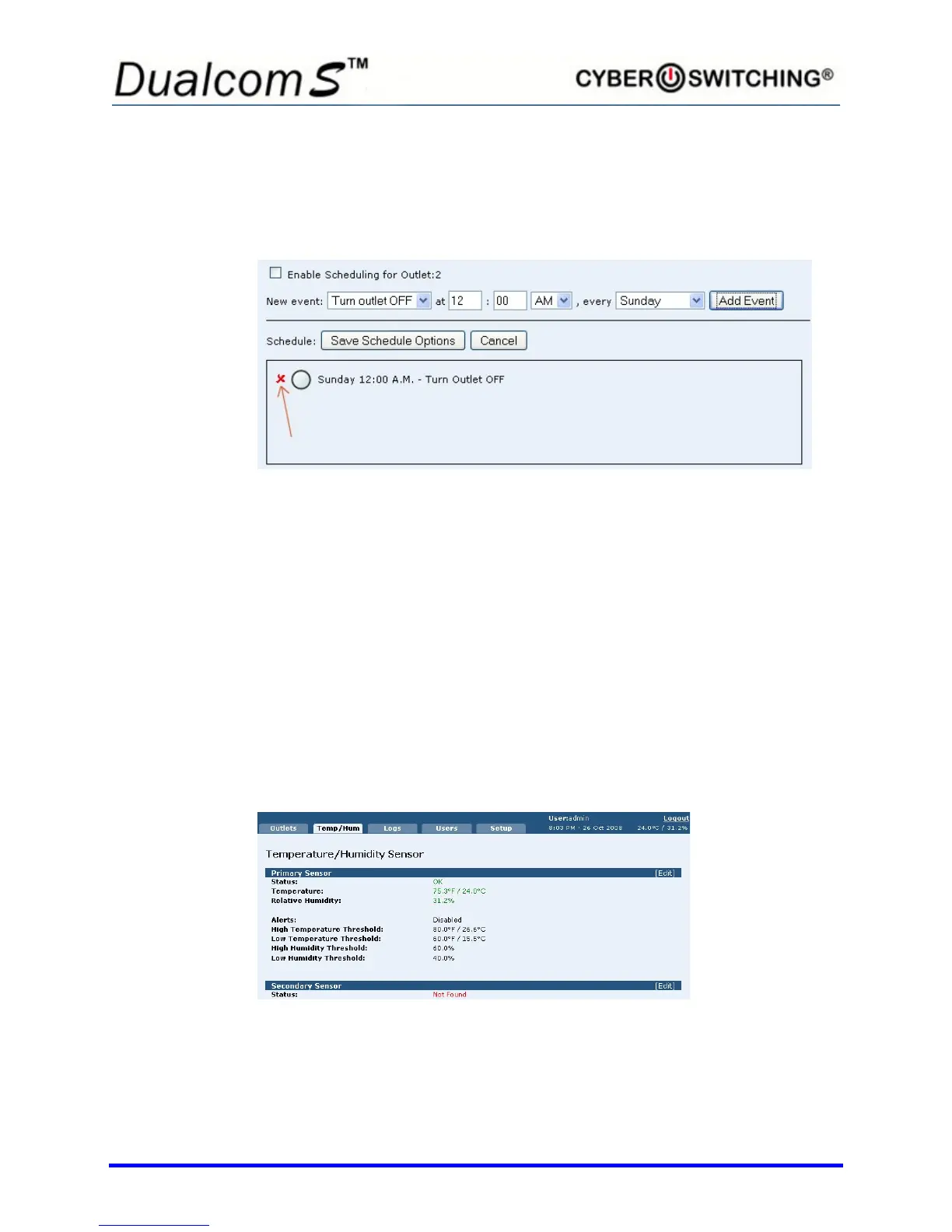
To delete an event, click on the x next to the desired event:
Temp/Hum Tab
Setting Temperature and Humidity alerts trigger syslog messages and SNMP
traps when the temperature or humidity rises above or falls below the set value,
informing the user when a problem occurs.
High/low limits can be set individually for both sensors and for both temperature
and humidity. This allows for maximum granularity and flexibility when
monitoring a rack.
Note: The respective Enable Alert option must be selected for the Low/High
Temperature and Low/High Humidity Alert settings to be operational.
Click the Temp/Hum tab to view a screen similar to the following:
1. To enable the alert for the primary sensor, click Edit next to Primary
Sensor.



 To Next Page