Logs Tab
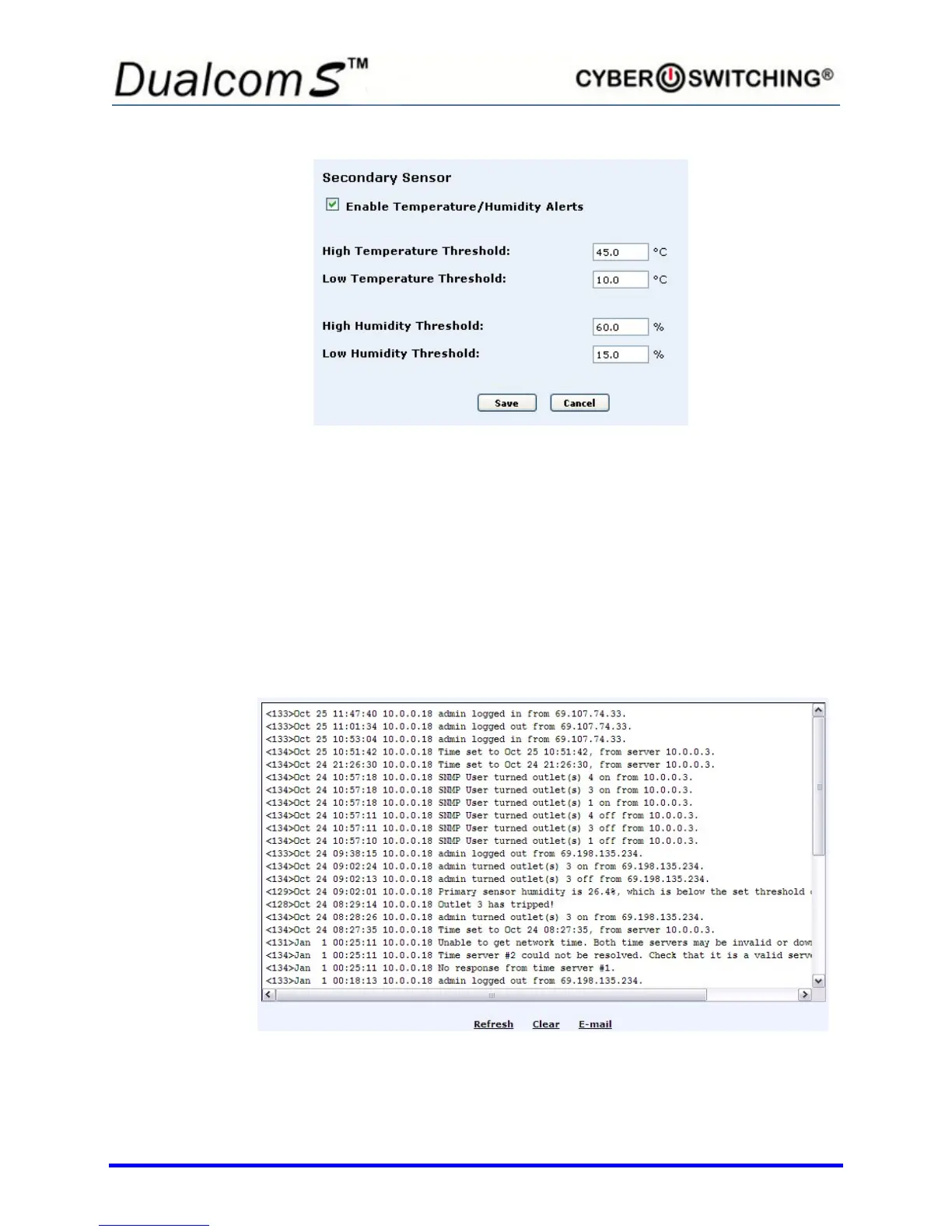
The Dualcom S maintains a log of 64 events at a time. When enabled, the
Dualcom S can e-mail the log to a designated person manually at anytime, or
automatically once the log file is full. If the log file is full and e-mail is not
enabled, the unit overwrites the oldest event, thus keeping the log current. To
setup log e-mail, see the Logging Setup section under “Setup Tab”.
Click on the Logs tab to view a screen similar to the following:
The following can be done from this screen:
• Refresh the log screen by clicking Refresh Logs.



 To Next Page