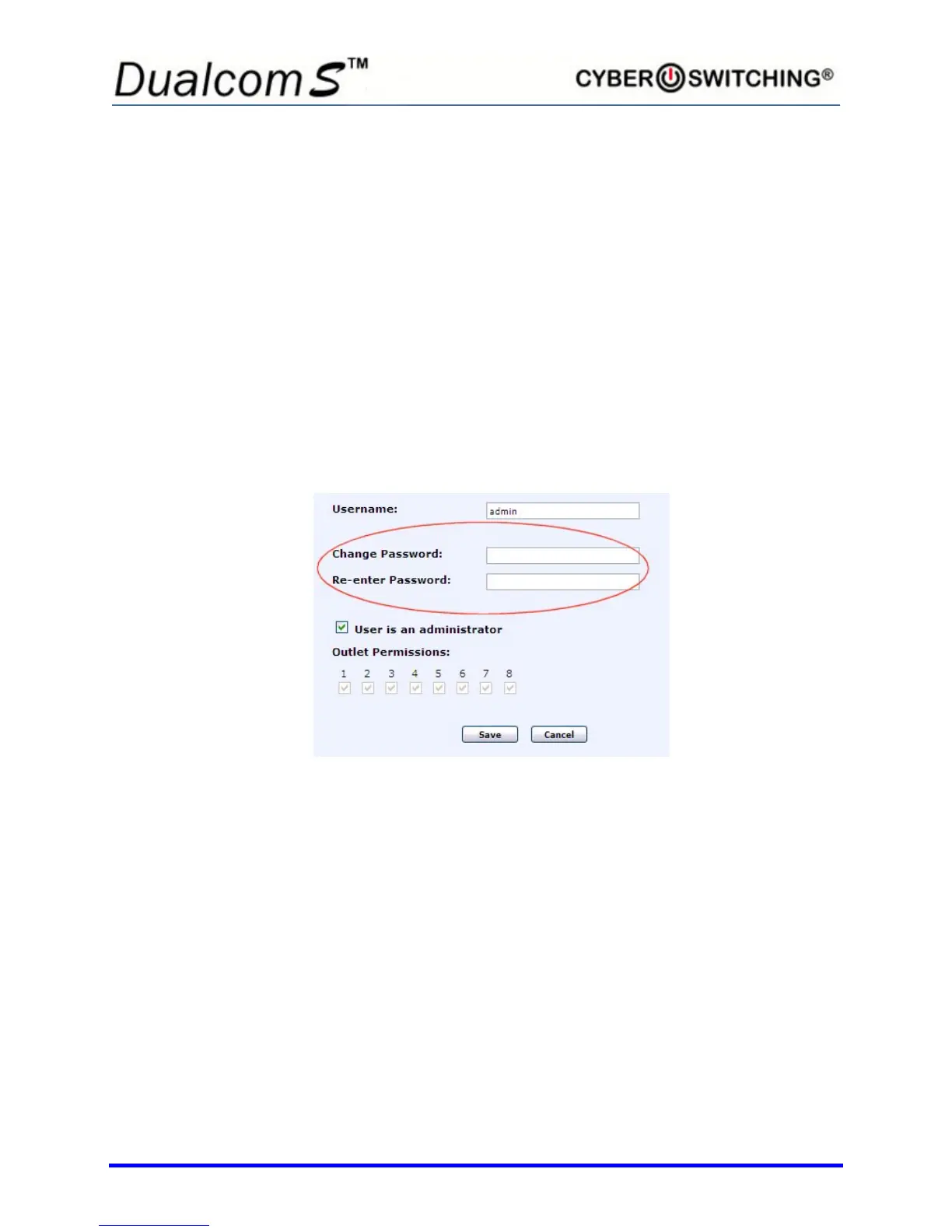
2. To allow the user full admin privileges, click in the User is an
administrator box. A checkmark appears indicating the option is active.
Click again to remove the checkmark and deny the user full admin
privileges.
3. To set which specific outlets a normal user has control of, click in all of
the boxes that appear under User may modify these outlets
(administrators can modify all outlets regardless of these settings)
you wish the user to have access to. A checkmark appears indicating
the user has control over those outlets. Click again to remove a
checkmark.
Note: Only an administrator has access to change the above settings.
4. To add or change a password, enter a password (between 6 to 15
characters) in the Password box. Confirm in the Retype Password
box.
5. Click Save when done making all changes.



 To Next Page