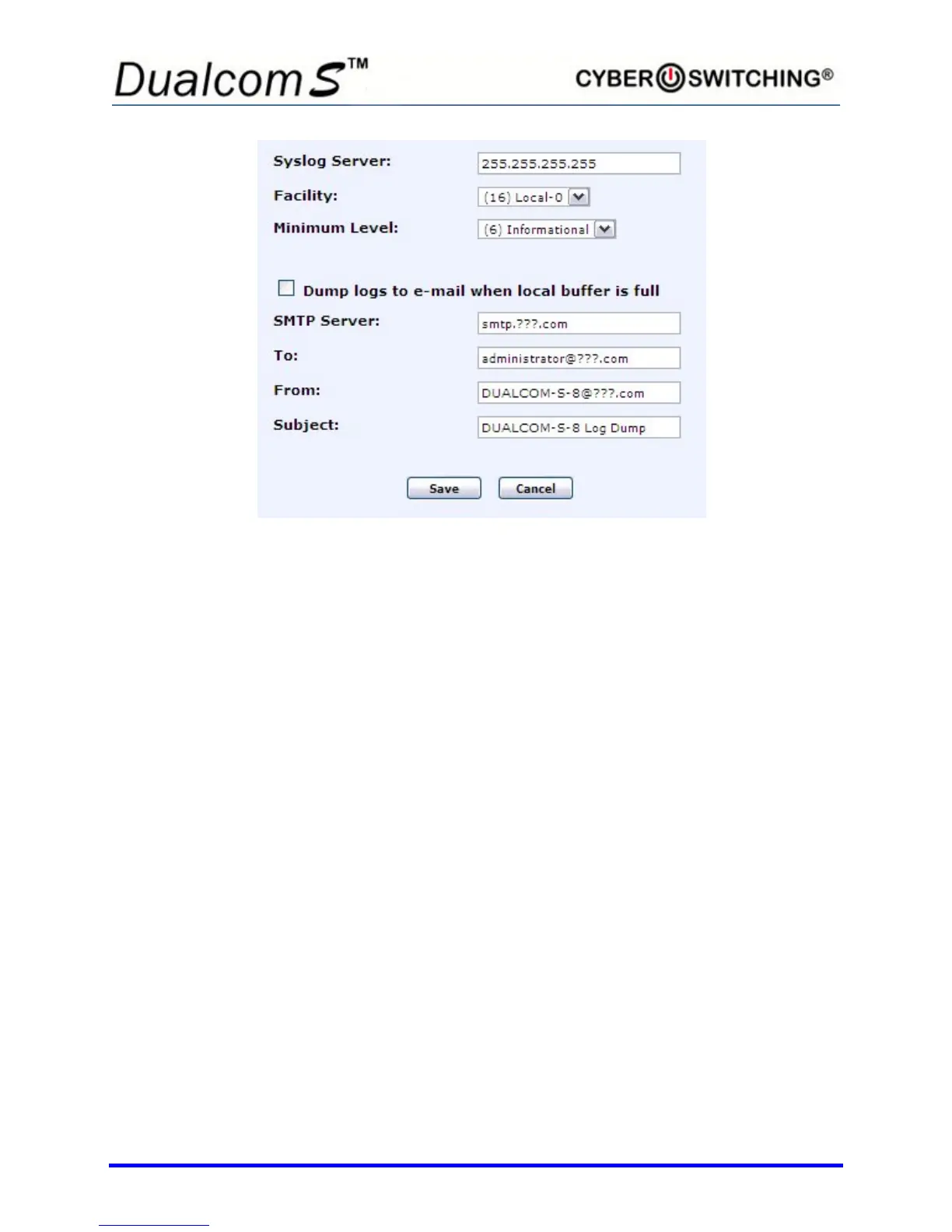
There are three syslog settings and four e-mail settings that can be changed:
• Syslog Server (specify the IP address of your syslog server)
• Facility (specify the logging facility)
• Minimum Level (specify the level of logs you want to report)
• SMTP Server (specify the SMTP server name)
• To E-mail Address (specify recipient of the notice)
• From E-mail Address (specify a name)
• Subject (specify a subject)
Note: The Dump logs to e-mail when local buffer is full option
must be selected for the SMTP Server and E-mail Address
settings to be operational.
To enable the e-mail logs feature, do the following:
1. Enter an IP address in the box next to Syslog Server.
2. Select the desired attributes from the Facility and Minimum Level pull-
down menus.
3. Enter the SMTP Server name as well as the E-mail Address of the
person to receive the logs.
Note: The "From" and "Subject" fields are optional and are not required
to send the log.



 To Next Page