Joule 3.0 User Guide page 63
Chapter 7: Setting Up CycleOps Joule 3.0 ™ Chapter 7: Setting Up CycleOps Joule 3.0 ™
Setting Up Memory
Joule 3.0 has 4 MB of onboard memory for storing activities, history and workouts. See Chapter 1:
Data Management for details.
1. Press and release [MODE] until Menu mode is displayed.
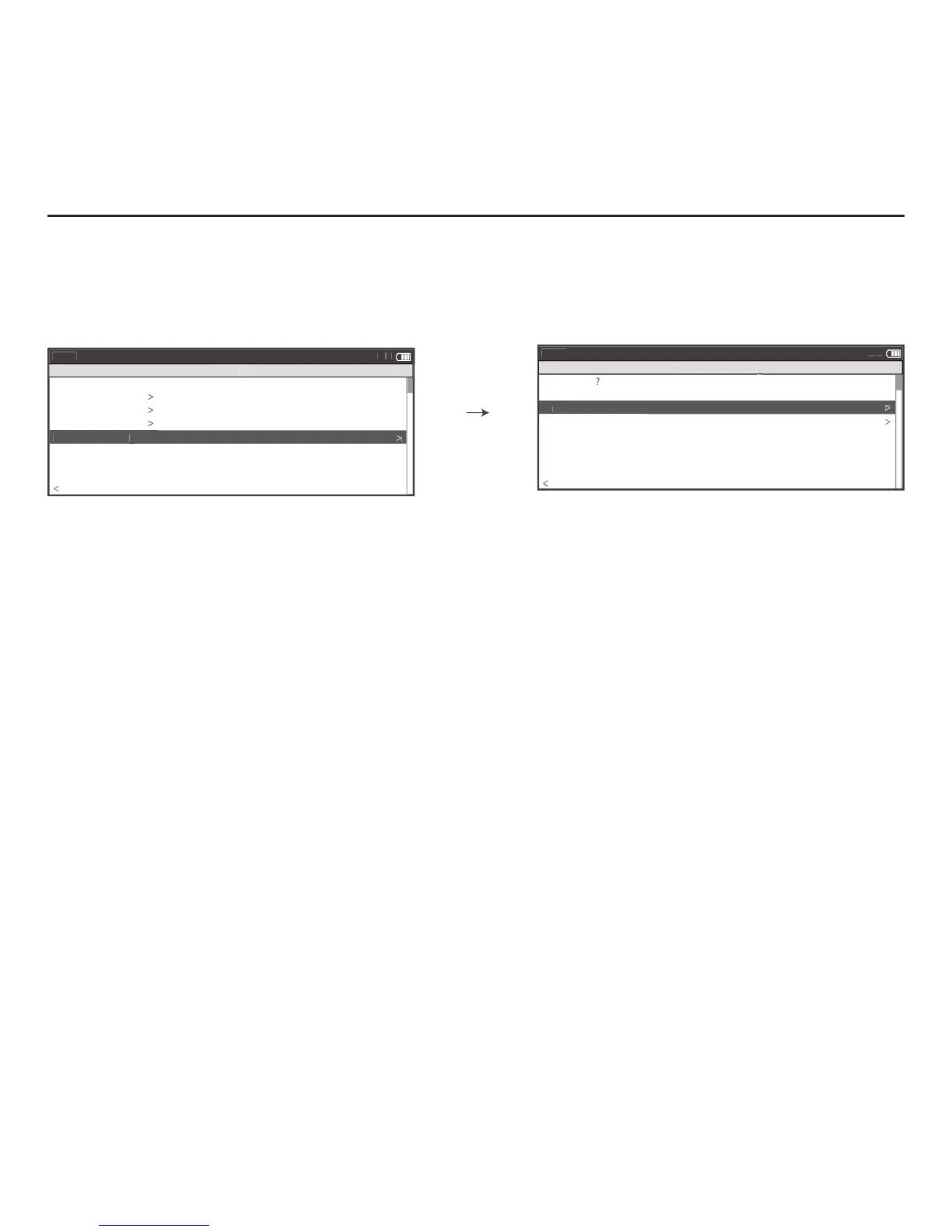
2. Press [JOYSTICK] up/down to highlight Setup Joule. Press [JOYSTICK] in and release to select Setup Joule.
3. Press [JOYSTICK] up/down to highlight Memory. Press [JOYSTICK] in and release to select Memory.
4. Press [JOYSTICK] up/down to highlight End Ride Time. Press [JOYSTICK] in and release to select End Ride
Time from 1, 2,3,5,10,30 and never. Press [JOYSTICK] in and release to save changes. After ride has ended, it has
been entered into History data. Note: End ride time controls when the current ride automatically is saved to
History and Reports.
5. Press [JOYSTICK] up/down to highlight Clear Ride Memory. Press [JOYSTICK] in and release to select Clear
Ride Memory. Note: clearing ride memory deletes all activity fi les saved on Joule 3.0, data will be lost and
unable to be downloaded as a result. History fi les are not deleted and can only be deleted from a personal
computer.



 To Next Page