EN / CZone® DDS User & Installation Manual
INITIAL POWER UP
1. Check all plugs are securely seated and power connections are tight.
2. Turn the switch/circuit breaker on supplying the DDS’s main positive stud.
3. Power up the NMEA2000 network.
4. Connect to NMEA2000 network via CAN-USB interface and open CZone Configuration Tool.
5. Set DIP Switch for new module. Instructions for setting the DIP switch in the CZone Configuration Tool is
available in Section 4.8.
6. With the CZone Configuration Tool, check the software version of all modules on the network, including the
DDS, and update if necessary.
7. Write configuration file to the DDS and the rest of the CZone modules on the system (Refer to the CZone
Configuration Tool Instructions for details on how to configure the system).
8. Test all inputs and outputs for configured functionality.
CIRCUIT LABELING
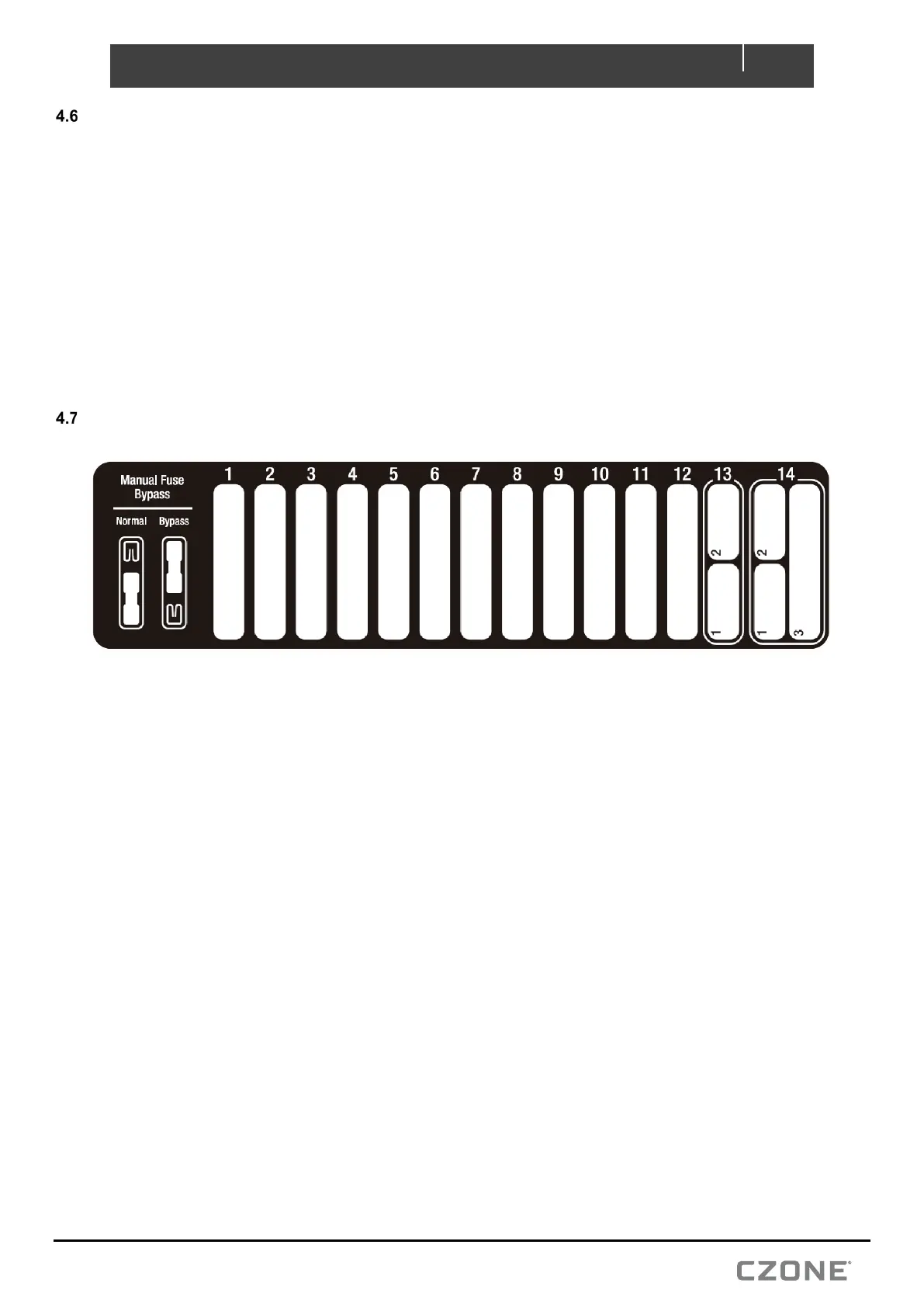
Label the Circuits
• Using a fine tip marker pen, label each output corresponding to the configured load.
• Correct labelling of the loads will make fault finding of the vessel/vehicle system easier.
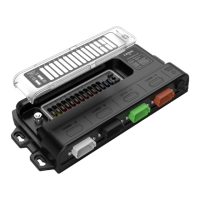
Figure 10. CZone DDS Labeling


 To Next Page