46D-Link DAP-1160 User Manual
Section 4 - Connecting to a Wireless Network
Congure WEP/WPA-PSK
It is recommended to enable WEP or WPA-PSK on your wireless access point before conguring your wireless adapter.
If you are joining an existing network, you will need to know the WEP or WPA-PSK key being used.
Follow the steps on the previous page to connect to a wireless network
using Windows
®
XP. After you highlight a network and click Connect,
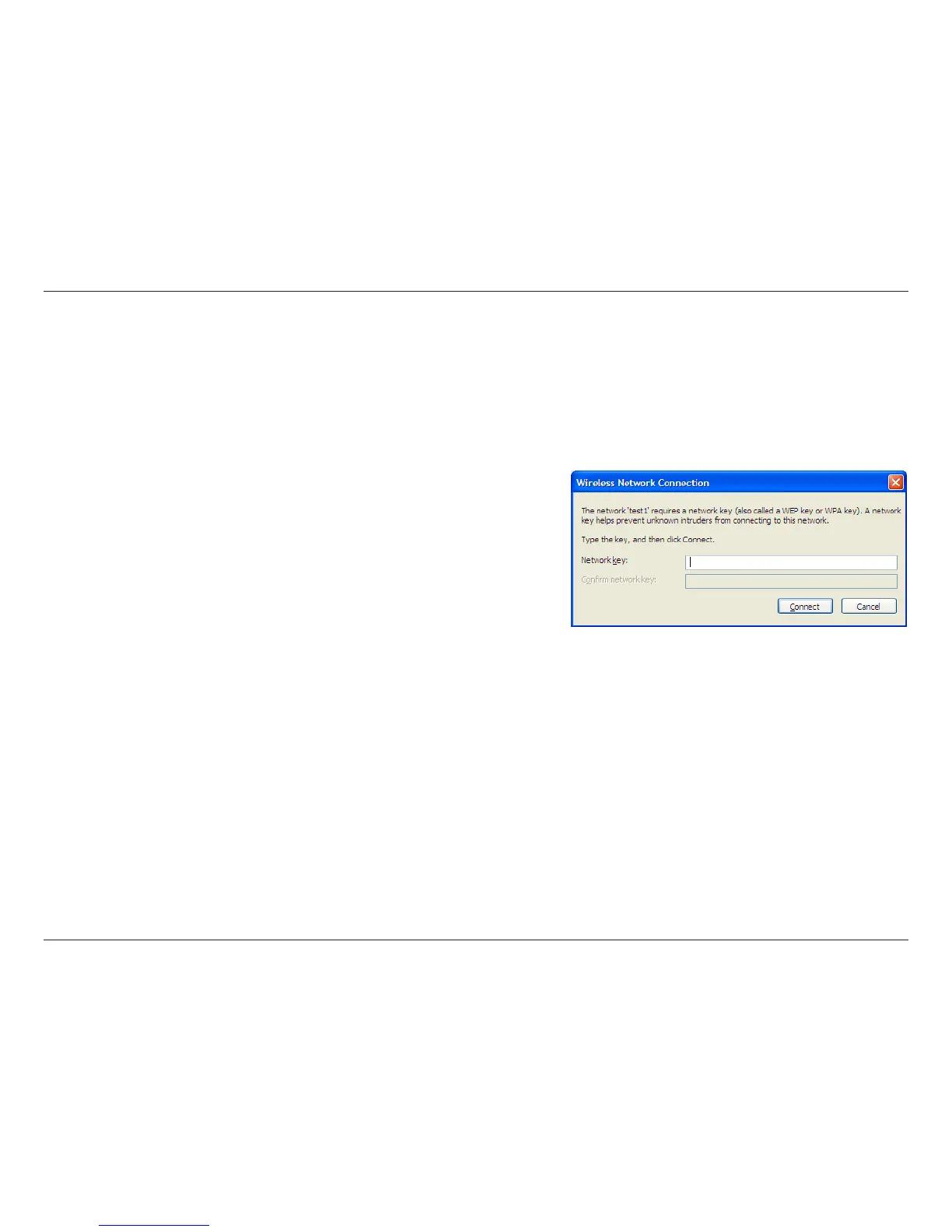
the Wireless Network Connection box will appear if the network
requires authentication. Enter the same WEP or WPA-PSK key that
is on your access point and click Connect.
It may take 20-30 seconds to connect to the wireless network. If the
connection fails, please verify that the WEP or WPA-PSK settings are
correct. The WEP or WPA-PSK key must be exactly the same as on
the wireless access point.



 To Next Page