32D-Link DAP-1320 User Manual
Section 3 - Conguration
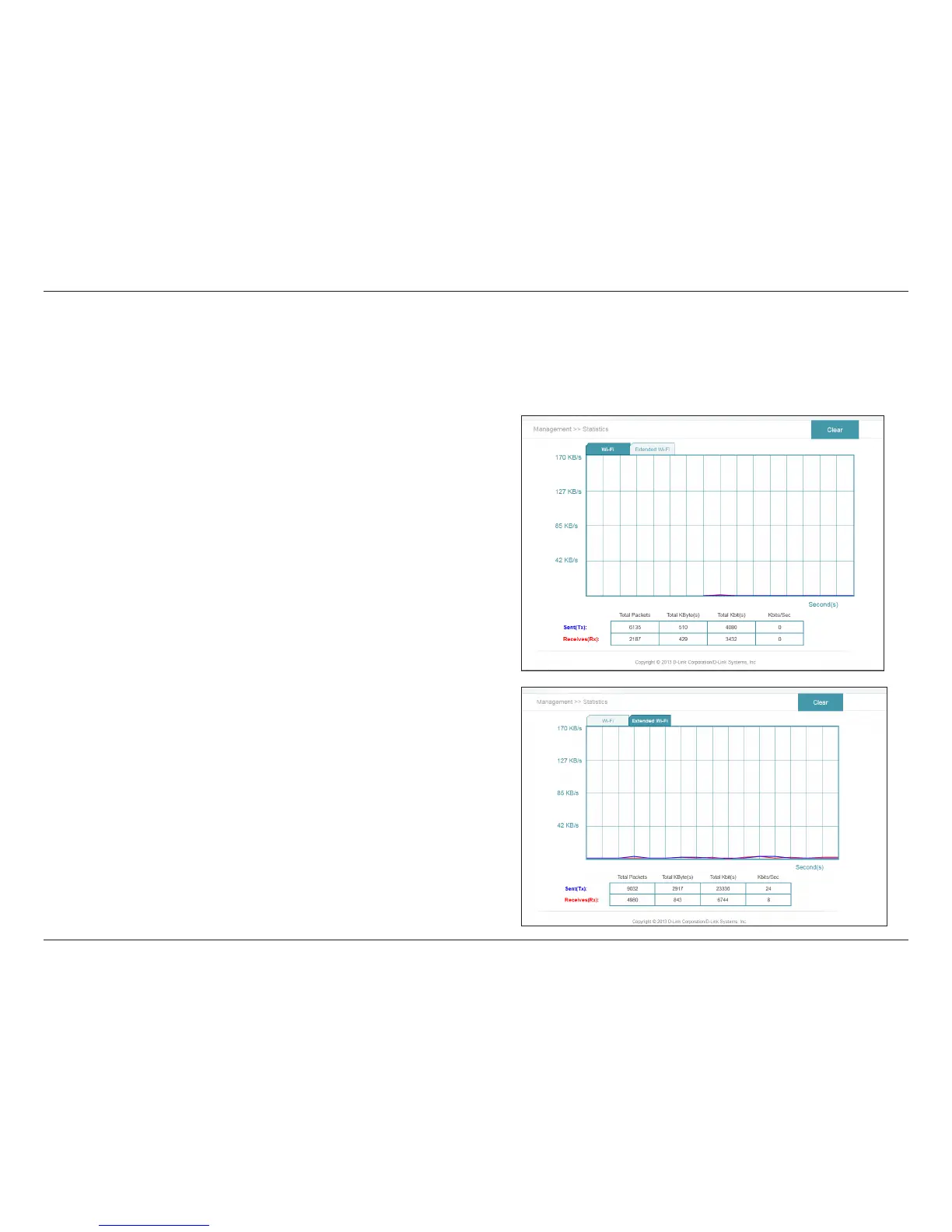
From the Home page, click on the Management drop-down menu at the top of the page, and select Statistics. This page displays
trac statistics about the total number of packets transmitted and received.
Statistics
Wi-Fi:
Clear:
Click on the Wi-Fi tab to display the statistics for the connection
between the DAP-1320 and the uplink router.
Click the Clear button to reset the statistics.
Click on the Extended Wi-Fi tab to display the statistics for the
connection between the DAP-1320 and any connected clients.
Click the Clear button to reset the statistics.
Extended Wi-Fi:
Clear:





 To Next Page