D-Link DAP-X1870 User Manual
7
Section 1 - Product Overview
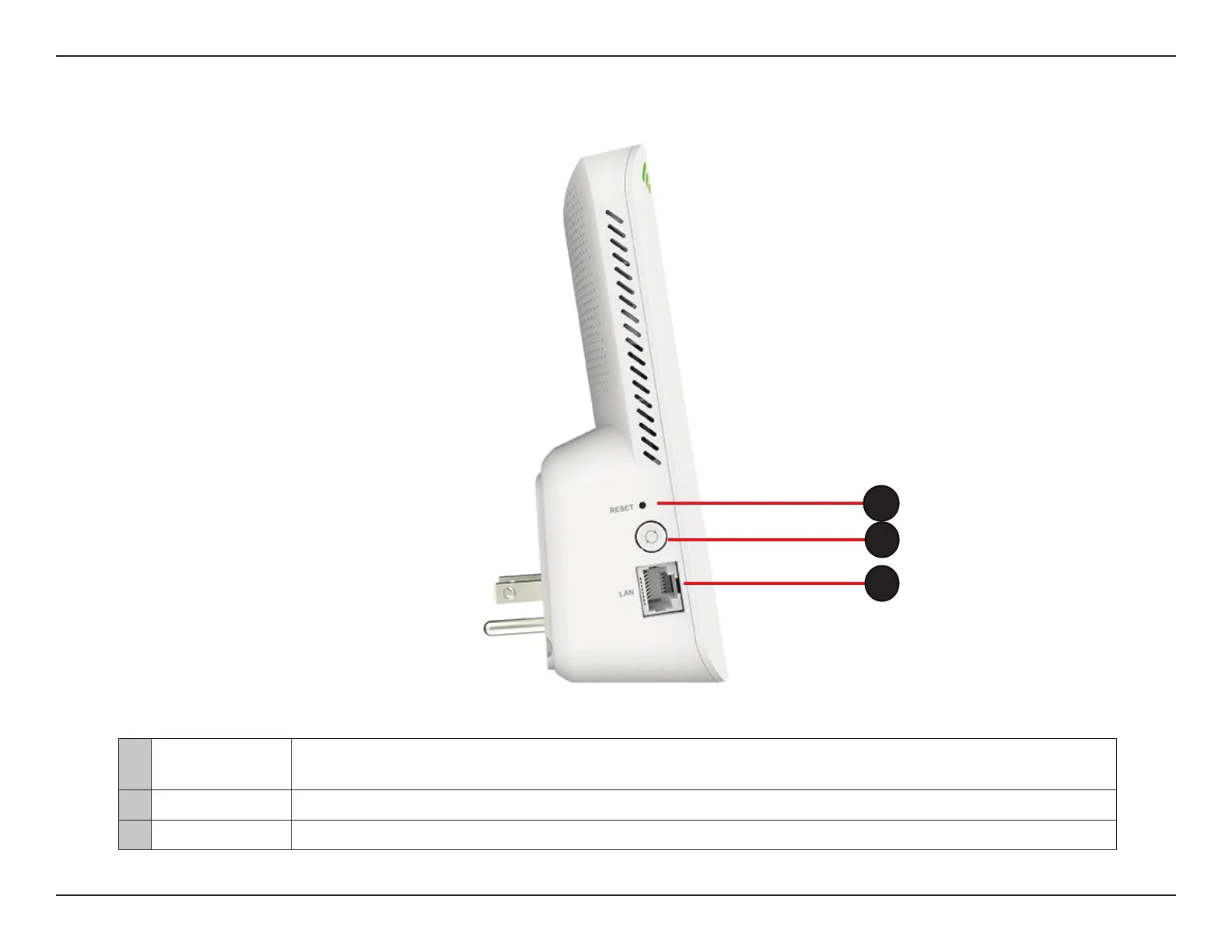
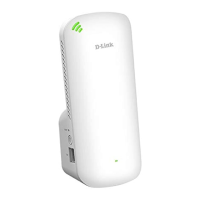
Use an unfolded paperclip to press and hold the reset button on the bottom of DAP-X1870 for 10
1
Reset Button
seconds to restore to factory default settings.
2 WPS Button Press to establish a connection with another WPS compatible device.
3 LAN Connect an Ethernet cable if you are adding wireless to wired network.
2
1
3


 To Next Page