D-Link DAP-X1870 User Manual
41
Section 4 - Wi-Fi Mesh Setup
Setup Using the D-Link Wi-Fi App
To set up your Wi-Fi Mesh network using the D-Link Wi-Fi app, rst refer to “D-Link Wi-Fi App Setup” on page 14. When the
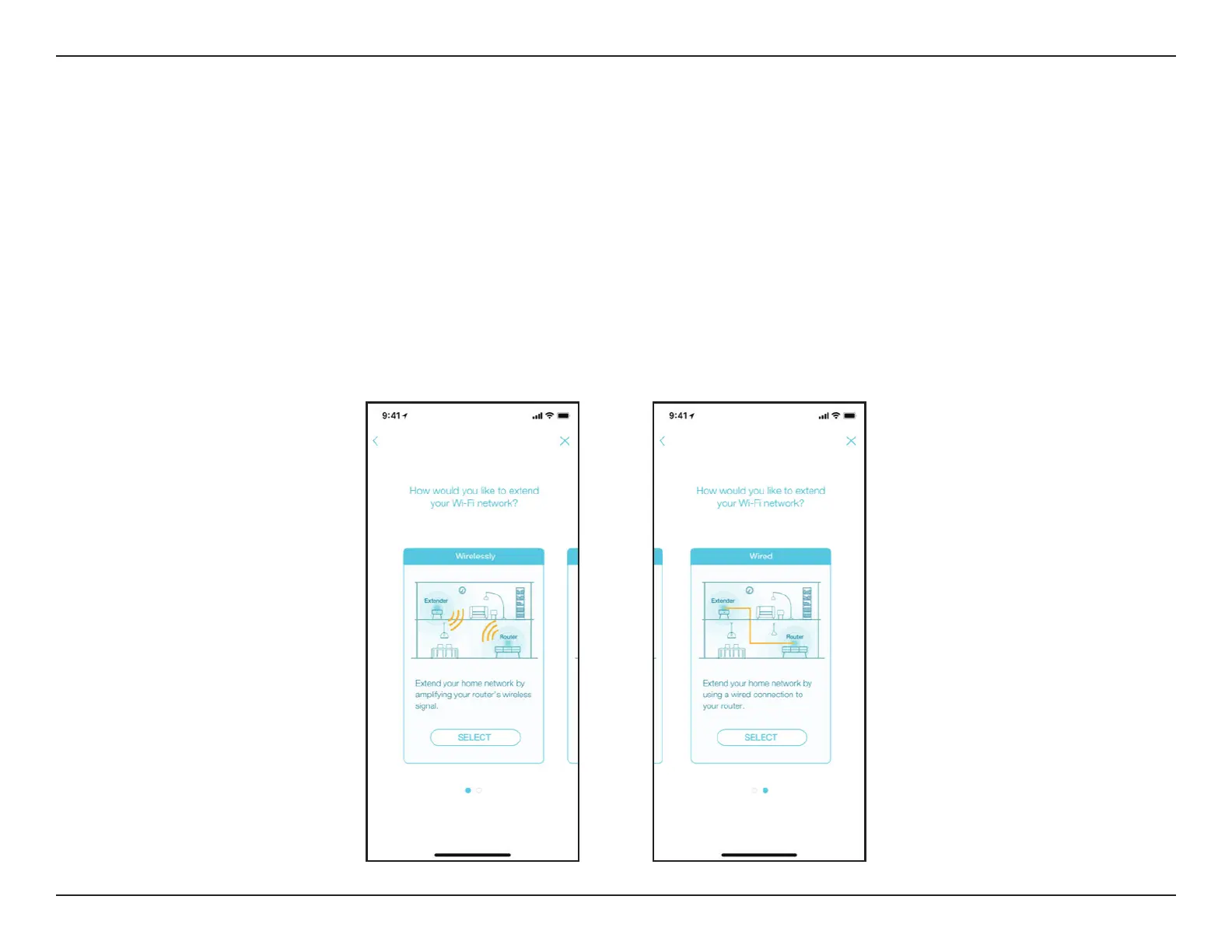
app leads you to the setup wizard of the device, you can choose to either
•
Extend your home network by amplifying your router’s wireless signal OR
•
Extend your home network by using a wired connection to your router.
To utilize your DAP-X1870 with Wi-Fi Mesh, select “Wirelessly” as the setup option and follow the app’s instructions to
complete the setup.


 To Next Page