D-Link DAP-X1870 User Manual
43
Section 5 - Connecting a Wireless Client
Connecting Wireless Clients to the Extender
WPS Button
Once an uplink network has been established, you may use the DAP-X1870’s WPS function to add additional wireless clients to
your extender’s network. Many wireless devices such
as wireless routers, media players, printers, and cameras will have a WPS
button (or a software utility with
WPS) that you can press to connect to the DAP-X1870. Please refer to the user manual for the
wireless device
you want to connect to make sure you
understand how to enable
WPS. Once you are certain, follow the steps
below:
Step
1
-
Press the
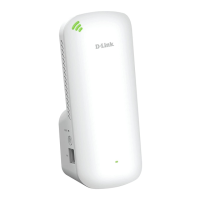
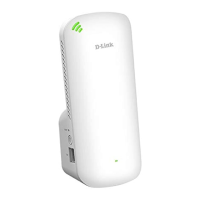
WPS button on the DAP-X1870 for about 1
second. The LED
on the device will
start to blink.
Step
2
-
Within 120 seconds, press the
WPS button on your wireless device.
Step
3
-
Allow up to 1 minute to configure. Once the LED light stops blinking and turns solid green, you will be connected and
your wireless connection will be secured with WPA2.


 To Next Page