D-Link DAP-X1870 User Manual
47
Section 6 - Troubleshooting
Troubleshooting
This chapter provides solutions to problems that can occur during the installation and operation of the DAP-X1870. Read the
following descriptions if you are having problems.
1.
Why can’t I access the web-based conguration utility?
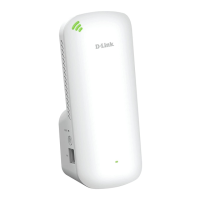
When entering the IP address of the AX1800 Mesh Wi-Fi Extender
(dlinkap.local./), you are not connecting to a website nor do you
have to be connected to the Internet. The device has the utility built-in to a ROM chip in the device itself. Your computer must be on
the same IP subnet to connect to the web-based utility.
•
Make sure you have an updated Java-enabled web browser. We recommend the following:
•
Internet Explorer® 10 or later
•
Firefox® 28 or later
•
Safari® 6.0 or later
•
Google Chrome™ 28 or later
•
Make sure that you are connected to the same wireless network which is listed on the base of the DAP-X1870. If you have an
active wired LAN Ethernet connection, try temporarily unplugging the Ethernet cable from the computer you are using, as this
may eliminate possible conflicts from having two simultaneous connections on the same computer.
•
Disable any Internet security software running on the computer. Software firewalls such as ZoneAlarm, BlackICE, Sygate, Norton
Personal Firewall, and
Windows
®
XP firewall may block access to the configuration pages. Check the help files included with your
firewall software for more information on disabling or configuring it.


 To Next Page